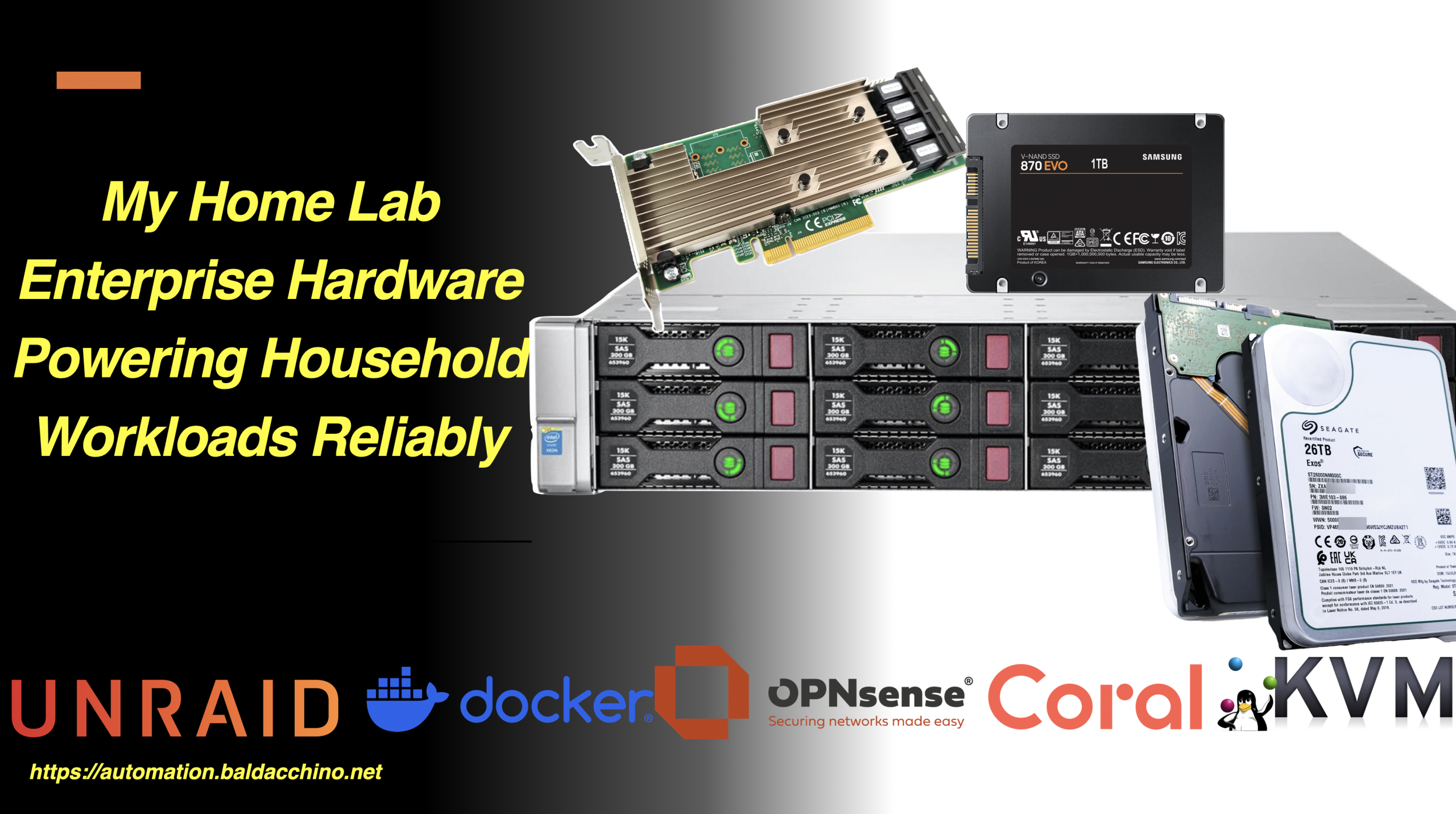
Compute at home, home lab, what ever you wish to call it. I have always had something that allows me to tinker and learn. It has changed from time to time but the crux of my needs are, its been more reliability focus.
In this post I want to talk about my computing platform at home and will walk you through a subset of my devices.
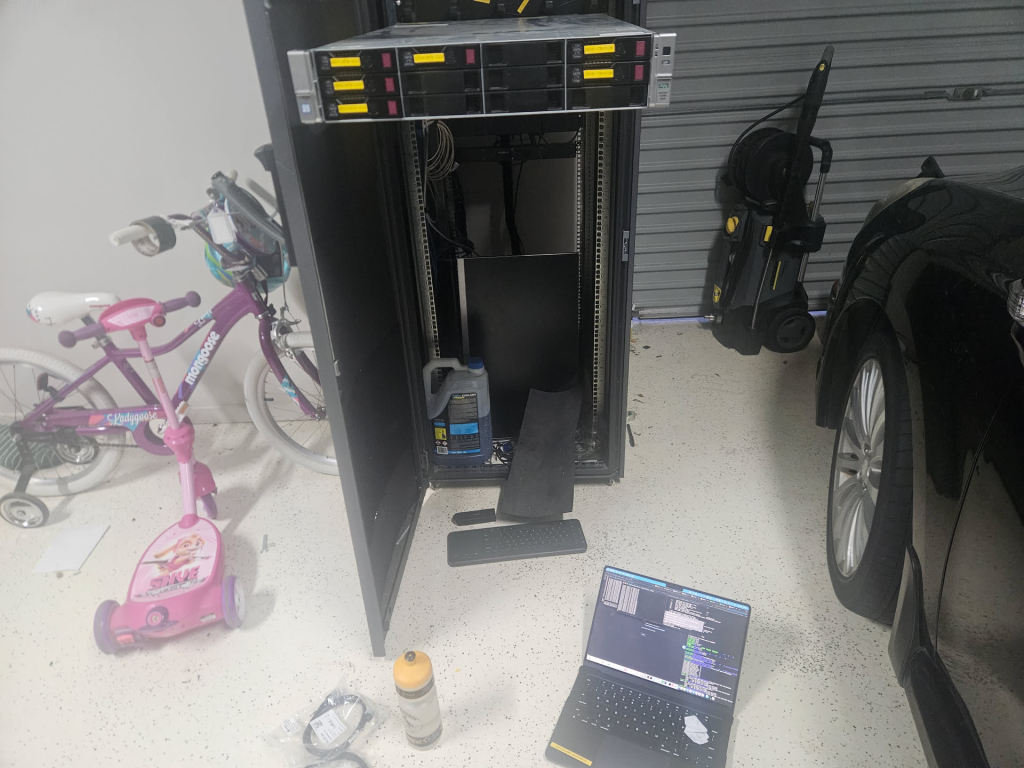
Cutting to the chase lets start with a rack tour
As a spoiler I have landed on somewhat modern second hand enterprise hardware, but getting there has been a journey that I have gone through in the last 20 years.
If I had to summarise my jounrey in to eras I would say
- Early on the phase of enterprise hardware running everything, before realising the power consumption of that early 2000’era (Xeon Westmere) gear was costing some pretty big dollars
- The Cloud. I pivoted, through to the cloud (unsure if I can call this a home lab) but there are limits
- Consumer Gear, I pivoted to a rack mount Synology NAS
- Today an efficient enterprise server.
This post is about where I have landed, why I landed where I am, and why I think decommissioned enterprise hardware is the best low cost entry path for self-hosting that is leaps and bounds better than a domestic NAS or a mini PC (N150 / ThinClient). I am not going to do dive in to my PLC/Microcontroller endeavours as I will save this for another post.
Before I go any further, a disclaimer. My home lab is not a lab in the traditional sense. I am not spinning up and tearing down ‘things’ I build, be it for certifications or learning new hypervisors.
What I am about to describe is about running real workloads for my household in a reliable manner. It doesn’t power down and because core functions (PPoE routing, Home Assistant, MQTT) run on it, when its offline it’s a big problem
The big rocks in my house that my server performs
- OPNsense providing routing for my PPoE internet connection and DHCP. Yes I run my internet via a server.
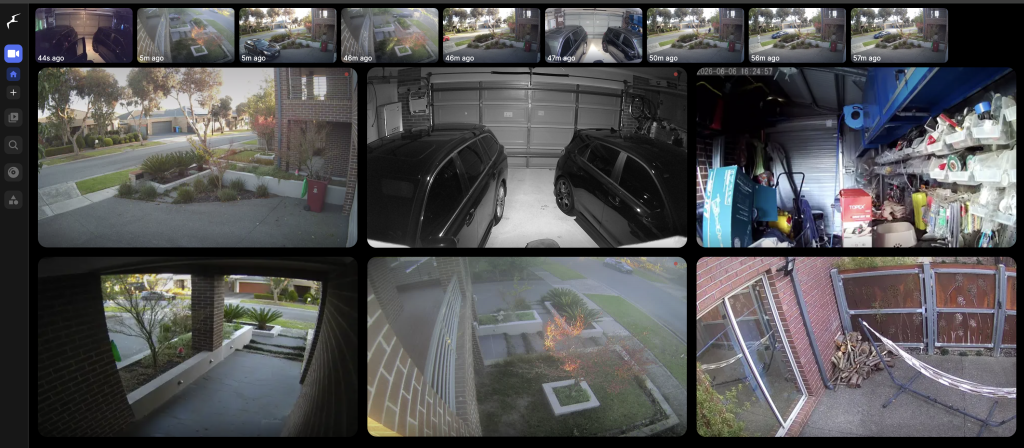
- Frigate NVR watching 7 cameras.
- Home Assistant automating my house.
- Immich managing our family photos.
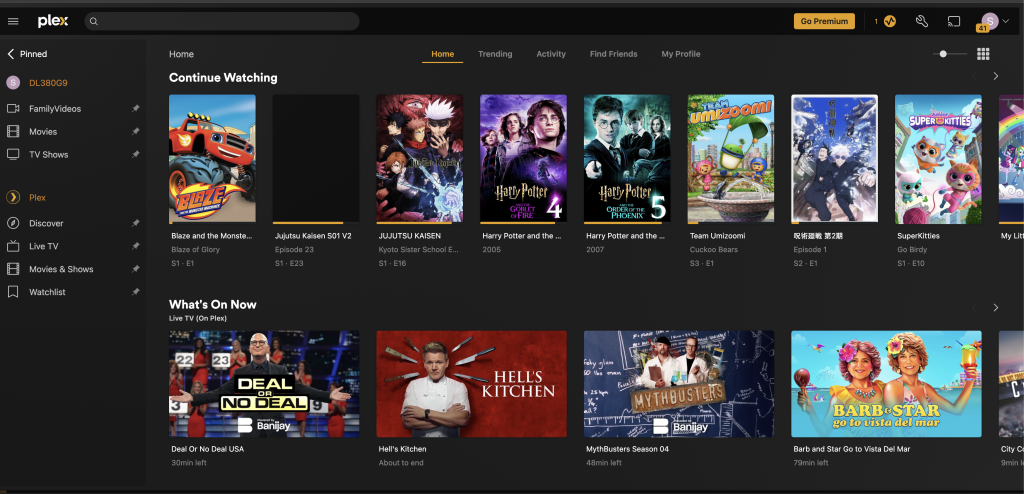
- Plex serving media.
- Mosquito my MQTT broker (400 messages per minute)
- OPNsense providing routing for my PPoE internet connection and DHCP.
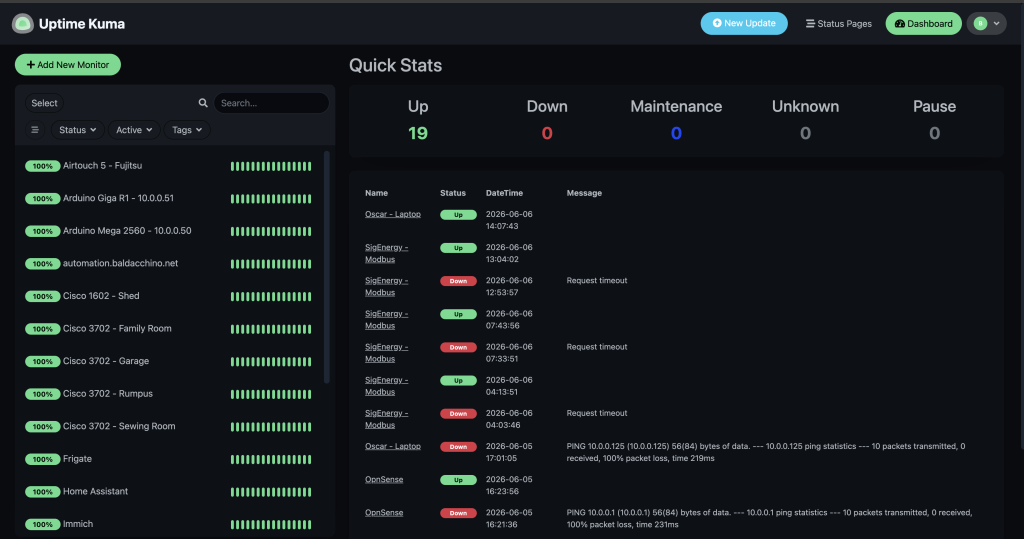
- UpTimeKuma monitoring. I cant stress enough reliability, I want to be aware of issues before others are
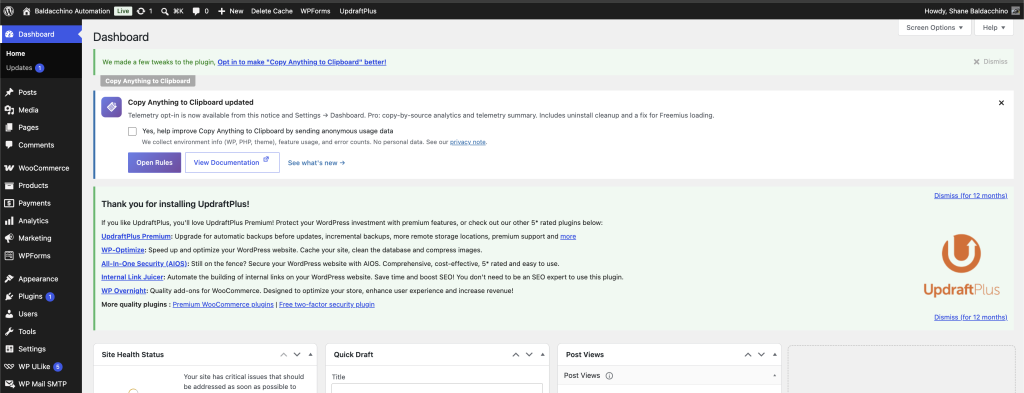
The above is mainly for my family use, but this blog you are reading right now, is served from WordPress (Docker Compose). I class all of these as production workloads for my family and they need to be reliable.
That said, the setup does serve as a homelab/testing purposes. I ran Openclaw instance (the internet would make you believe you need a Mac Mini), try Docker containers / VM’s along with general learning. But my primary function is reliability and the ability to run services.
Why Enterprise Hardware?
The cloud is great, but simply put is really expensive and can be limited. I would be spending probably 10-15k AUD each year to run my setup in Azure / AWS / GCP. But even if you can look past costs, there are some things you can’t look past.
There are 3 laws of IOT

One of them being the law of physics. Over the years I have learnt a few things. Workloads all have a particular shape, some are I/O bound (Frigate / Editing RAW images), some are CPU/TPU bound (Frigate) and some are just heavy (7 IP camera). There is a reason why all ‘serious’ IP Camera setups use a local NVR.
What this means is
- Latency Matters : IP Cameras are the prime example. Whilst I used to have free access to AWS and Azure, running IP cameras in the cloud just doesn’t work without really fast internet pipes. My 50 megabit upload isn’t enough. These need to be ran locally, each camera is RTSP’ing close to 10megabits. I have 7 of these in my house. Thats approx. 70 megabits. Even assuming you have a really fast upload to the cloud, there is internet weather to take in to account, plus the cost of all that I/O.
- CPU Grunt : Low power devices are nice, but it is a balance of quality of life. My rack of Raspberry PI 5’s are simply no match for heavy workloads (Immich, HomeAssistant, Frigate) that my family uses and 2 x low power semi modern Xeon’s make short work of these (so far).
- Cost To Buy : The cost of a modern NAS can be quite expensive. I paid $250 for a DL380 G9 (no rails) with 64GB of RAM. Simply put the compute is basically free. Storage is a universal given but compute is in effect given away. I will talk about Cost To Run below
- Reliability : Having lived in the HP & Cisco eco-system for 25+ years broadly speaking enterprise hardware is solid gear. If you are not a enteprise hardware guy. The DL380 is like the Toyota Camry, they are so common parts are not an issue. ECC Ram multiple PSU’s etc . Running OPNsense I need reliability
My though process is really pretty simple and reinforced by my personal experience of looking after this type of equipment for 25-ish years. Decommissioned data centre hardware is really cheap, purpose built to run 24/7 and in my opinion is a far better foundation than any consumer NAS appliance you can buy.
This is gear that comes out of data centres as organisations refresh their fleets. It was designed for continuous operation. It has features that consumer hardware simply does not offer. ECC memory protects against bit flips. Redundant power supplies keep you running during a PSU failure. Hot swap drive bays let you replace failed drives without downtime. Out of band management via iLO (Integrated Lights-Out) gives you remote console access even when the OS is unresponsive.
Many of these really aren’t that important to me, but ECC and the general build quality does add up. Pull apart a domestic NAS and it will often be plastic and not machined, pressed or stamped parts. You may be reading this with a houseful of Ubiquit gear and whilst I generally think they are okay gear, they not only require a teether to the cloud, but their marketing is very deceiving (lying by omission) with a prime example
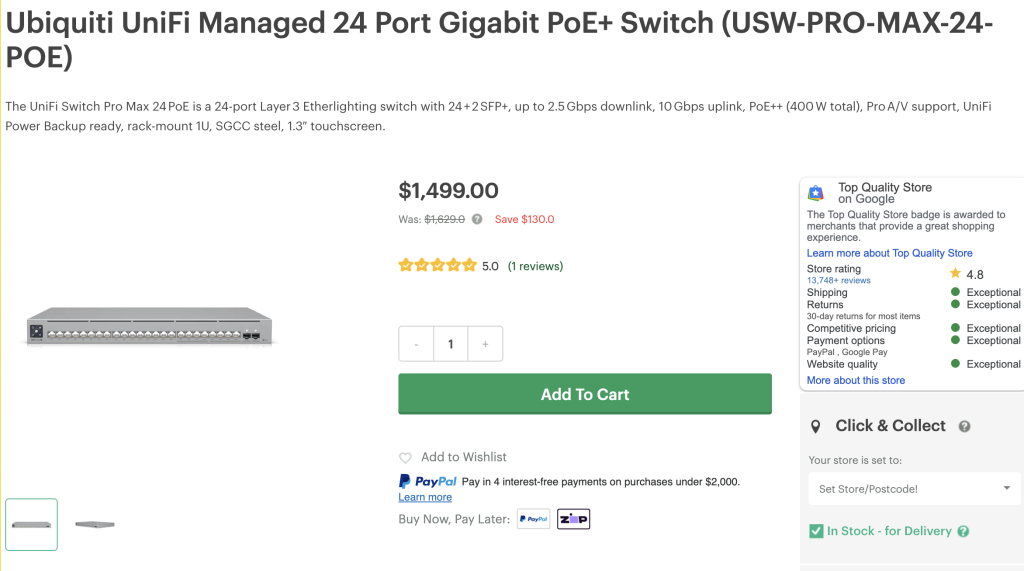
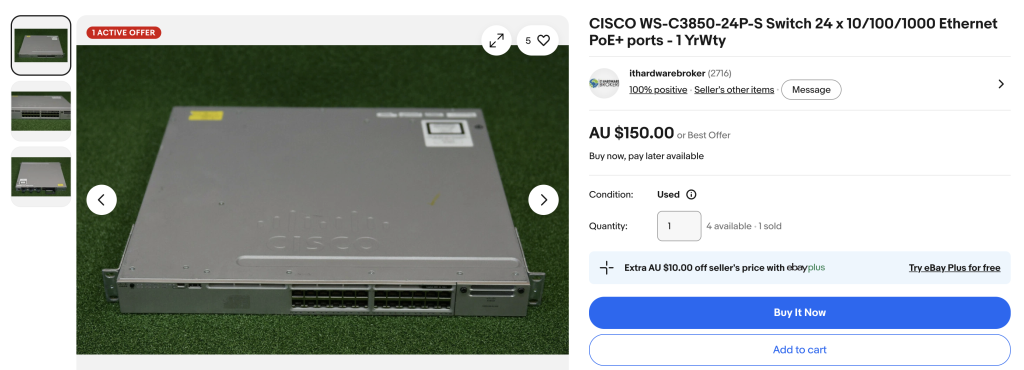
I recently helped a friend with a new PoE+ switch, Ubiquiti charge $1400 AUD for a switch that has a total POE budget of 400W yet a $150 Ebay Cisco 3850 provides a 800w power budget. Uniquiti access points, their NAS’es etc, are just not the same as real enterprise gear. A more polished domestic kit with a clout teether. In summary I don’t see the value or capabilities in Ubiquiti gear.
This is my opinion and having ran fleets of these in the past either for myself or past employers Enterprise gear just kind of work and hence why this is the path I prescribe.
The hardware is worth almost nothing. A server that would have cost tens of thousands of dollars when new can be picked up on eBay for a few hundred dollars, and that is what I did.
| Consumer NAS (Synology/QNAP) | Enterprise Server (e.g. DL380 G9) | |
|---|---|---|
| CPU | Celeron / Atom / Ryzen Embedded | Dual Xeon (16+ cores, 32+ threads) |
| RAM | 4-32GB (non-ECC typically) | 64-768GB ECC DDR4 |
| Drive Bays | 4-8 (typically 3.5″) | 8-25 depending on chassis |
| Remote Management | Basic web GUI | Full out of band (iLO / iDRAC) |
| Redundant PSU | Usually no | Yes |
| Hot Swap | Some models | Yes |
| Cost (secondhand) | $400-800 AUD used | $200-400 AUD |
| Noise | Low | Moderate to loud |
| Power | 30-60W | 150-250W |
Why You Should Not USe Enterprise Hardware?
I just told you why I like Enterprise Hardware
My approach on Enterprise Hardware may not be for you, it is for me, but it may not be for you. To be balanced here are a few points on why and to be honest I think if any of these are an issue, then a consumer product may be for you
- Power Consumption : No sugar coating this, there is a cost to running any sort of gear like this. It has got a lot better, especially if you are looking at systems a few generations old (2018+) but I am consuming about 250watts 24×7. Without a home battery I am unsure I would have made the jump as I dont see the cost.
- Noise : These systems are far from silent. I do have this server in a 42 RU HP rack with a sealed door (the back is open) and its in a garage. The sound is not audible one bit in my scenario but if this device resided inside my living areas it would be a non starter
- Form Factor : Designed to be rack mounted, you need a rack.
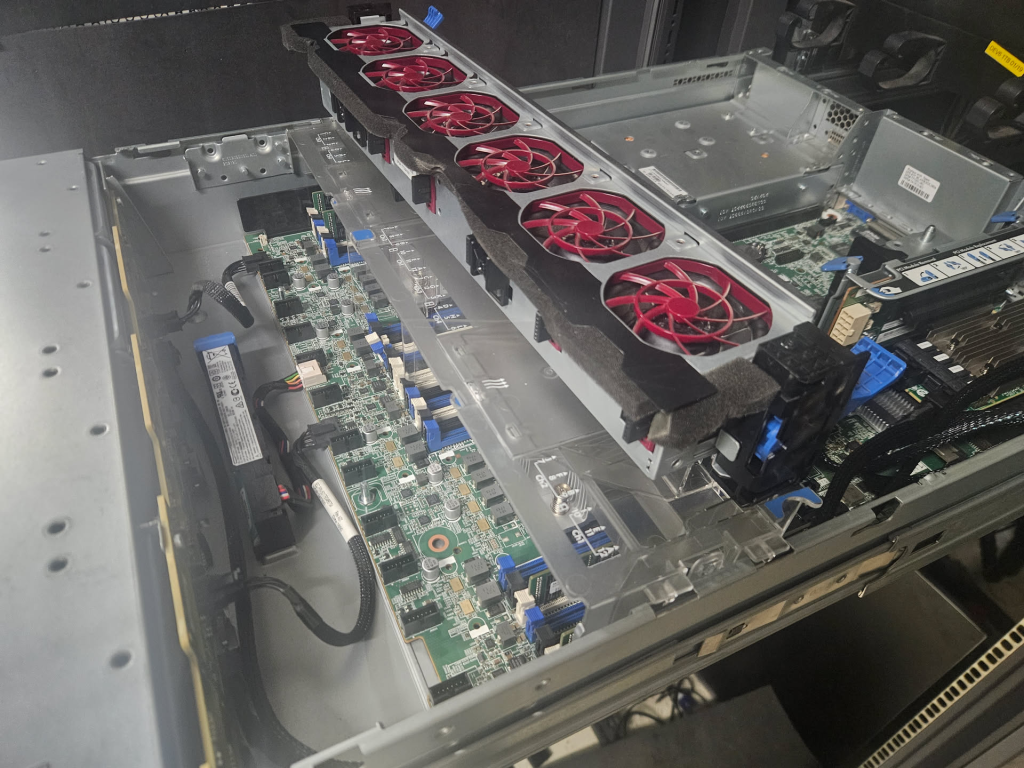
My Server – HP ProLiant DL380 G9 LFF
I landed on what I will call the Toyota Camry of servers. My server is a somewhat rare variant of the very common HP ProLiant DL380 Gen9. It’s common and that what makes it awesome because if I need parts I could get them in day (in person) of a few days. Like my other core devices in my house (PLC and Arduino Giga) for the cost of $200 I will end up buying a spare.
IMy DL380 is the LFF (Large Form Factor) model with 12 x 3.5 inch drive bays.
I looked for quite a while. There are hundred of DL380 G9’s available on eBay (even Facebook Marketplace) But almost all DL380 G9 units you will find are the SFF (Small Form Factor) model with 8 or 16 x 2.5 inch bays. I thought about models with 25 SFF bays but the cost of storage (and to a degree power) did not not compute. 3.5inch drives are simply just cheaper at scale.
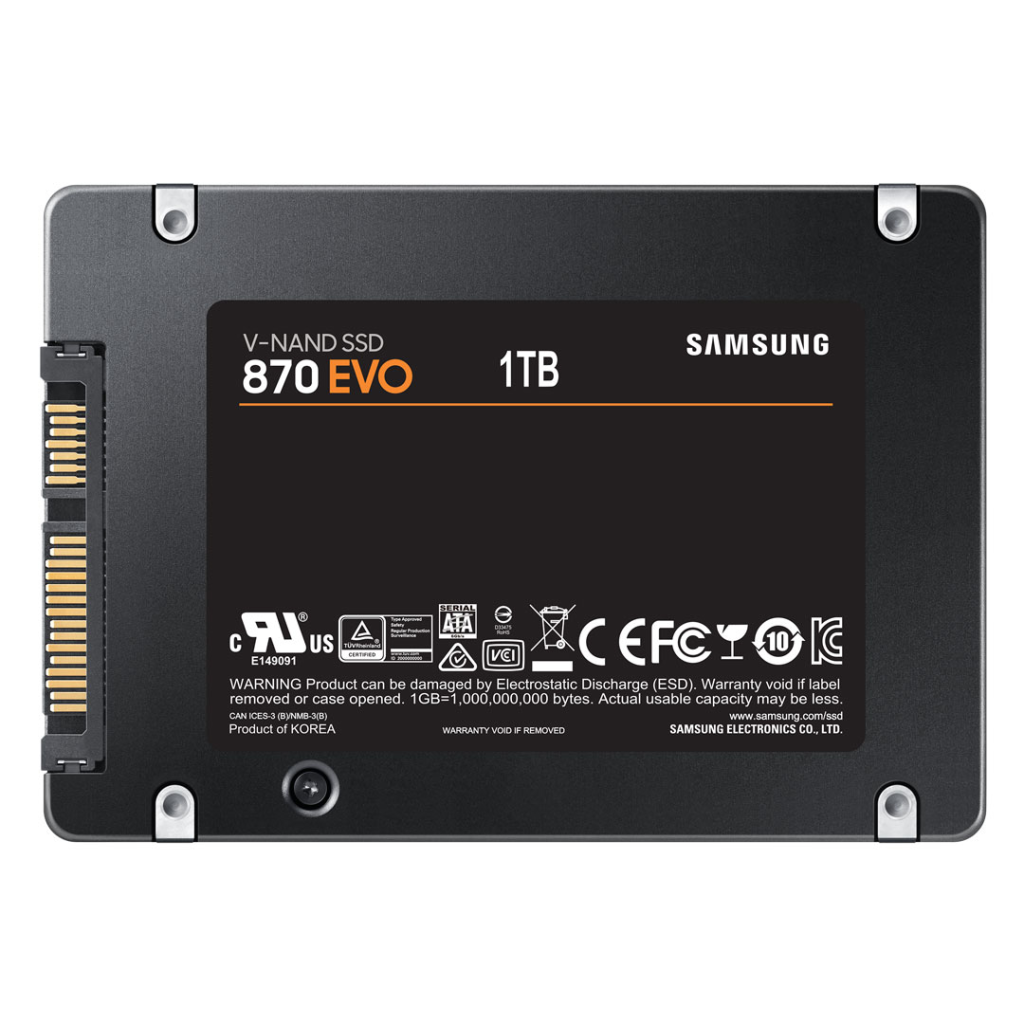
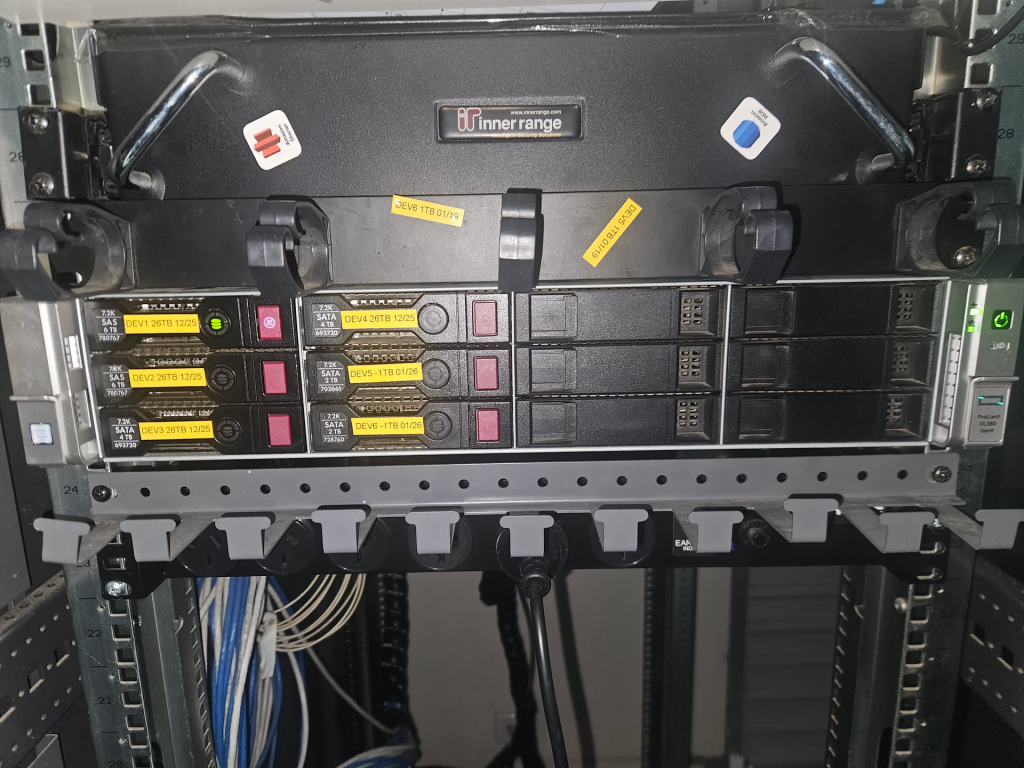
The LFF variant gives me more raw storage capacity per bay so I can run 3.5″ disks, which is exactly what I wanted for large capacity spinning disks. But also with drive bay adapters I can and do convert these bays to run my 2.5 inch Samsung 870 Evo’s

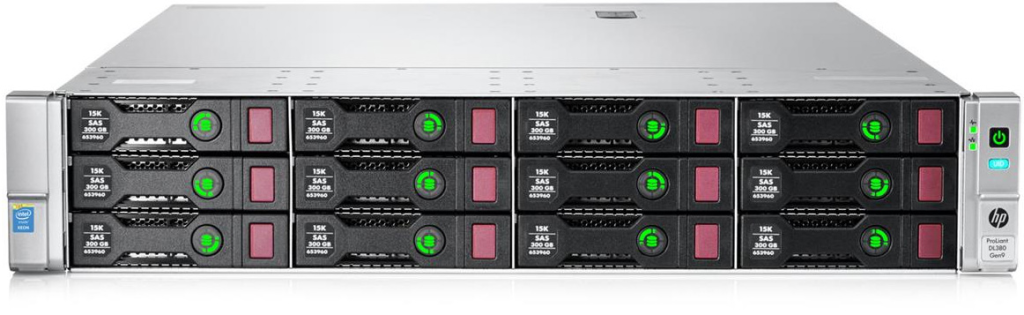
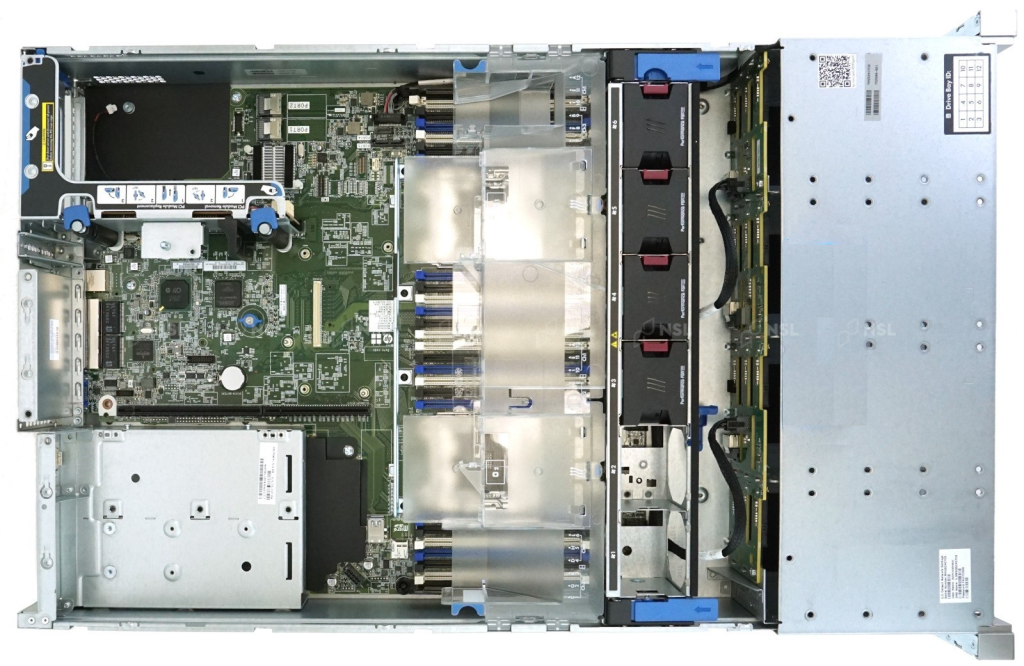
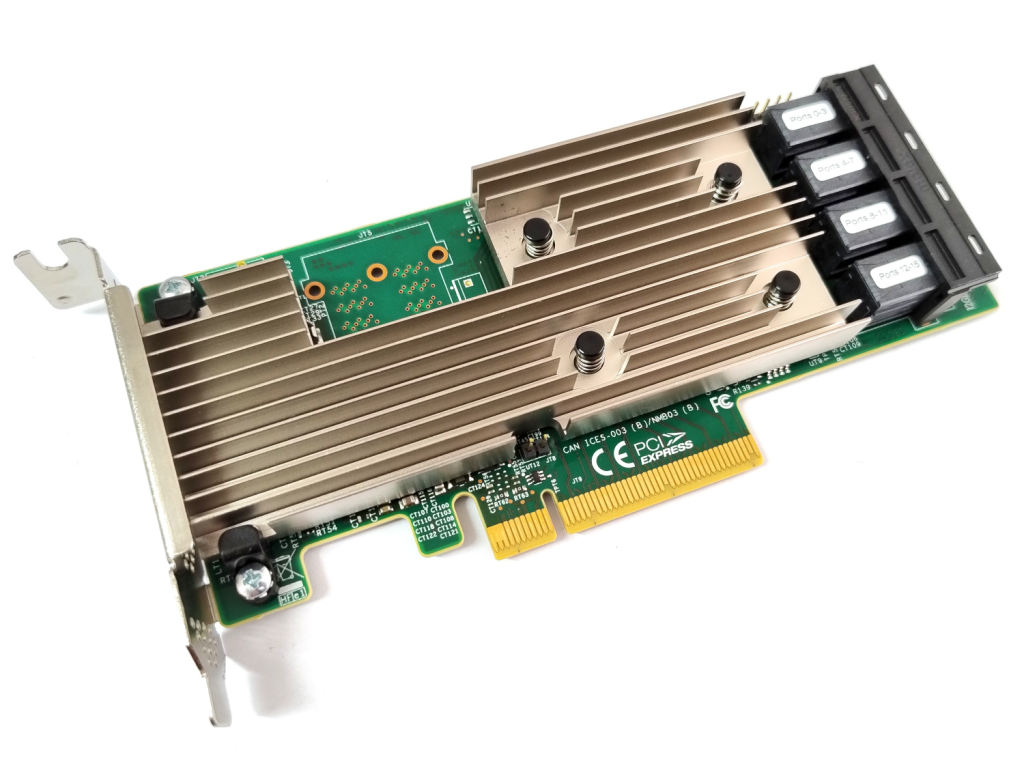
I picked it up my unit for on eBay for $250 AUD. It came with 64GB of DDR4 ECC RAM and dual Xeon E5 v4 processors giving me 16 physical cores and 32 threads. It did not come with a storage controller which made it perfect, because I would not use it.
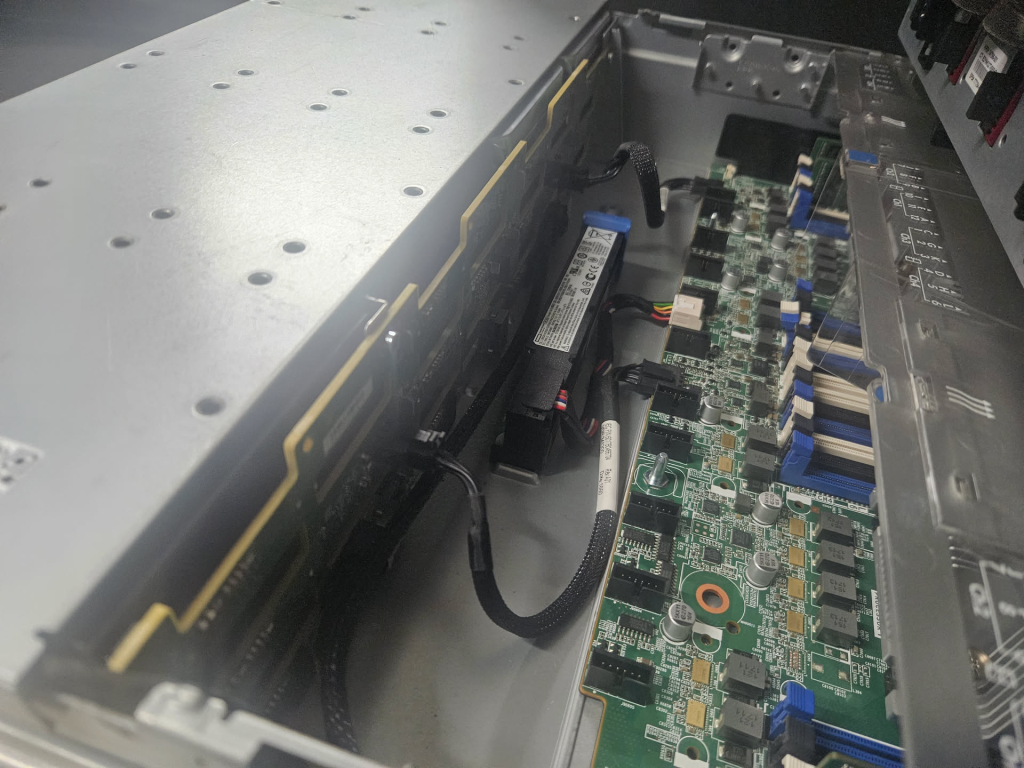
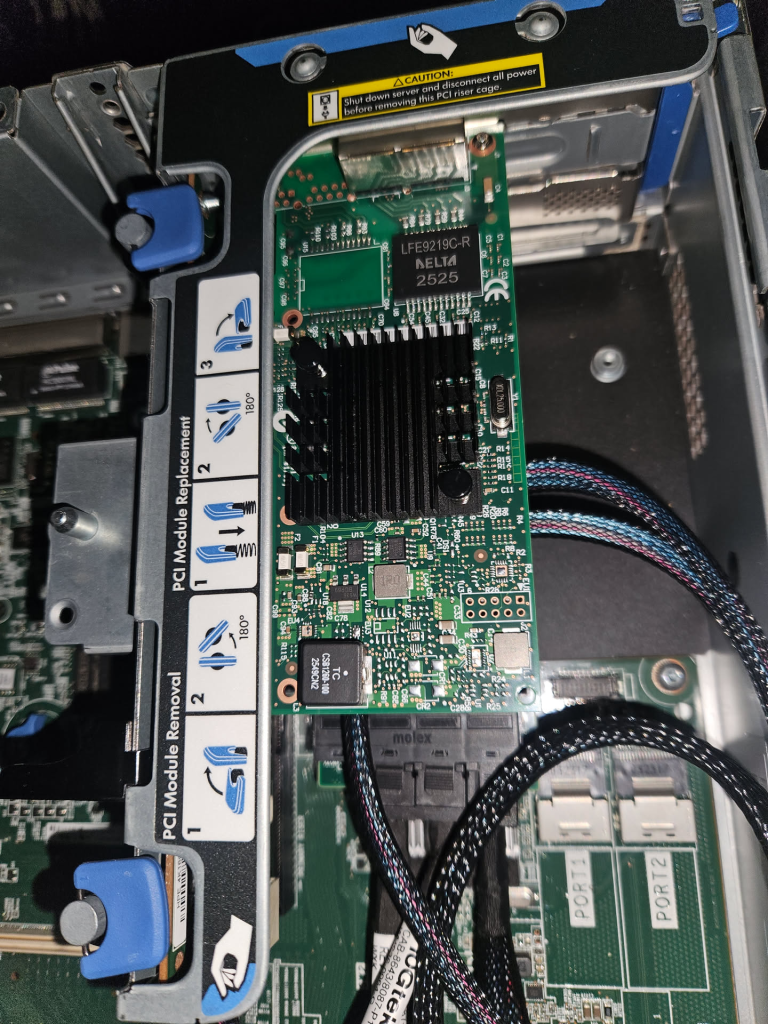
The default HP Smart Array P440ar is a hardware RAID controller and for Unraid you want an HBA (Host Bus Adapter) that passes drives through directly to the OS.
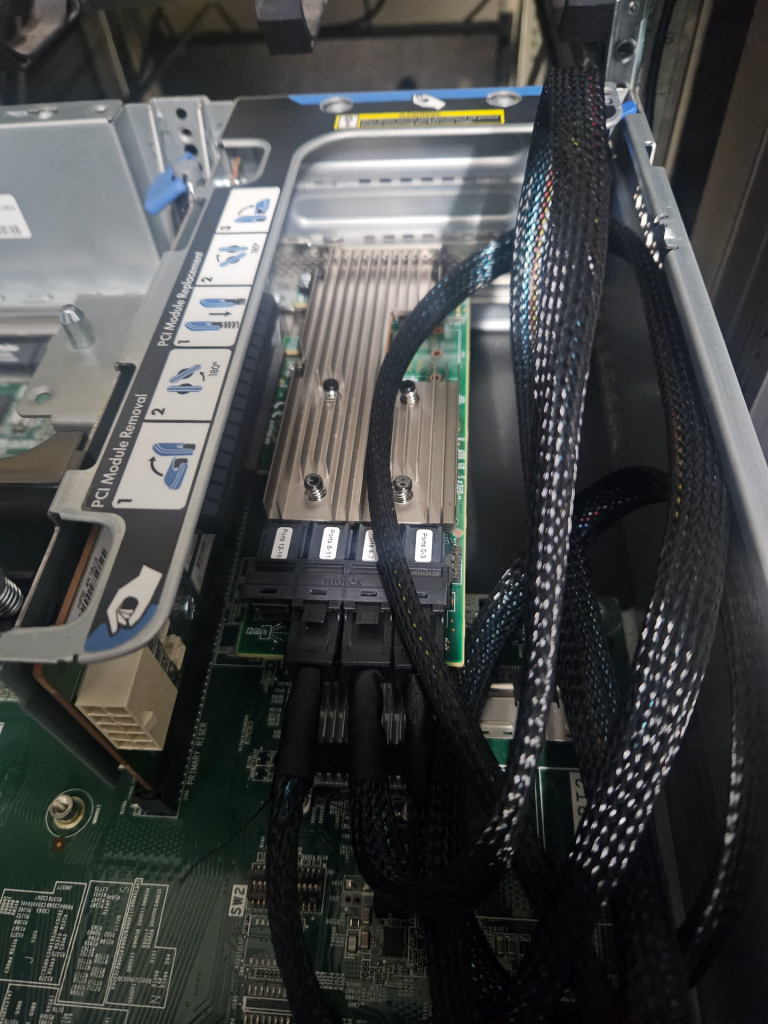
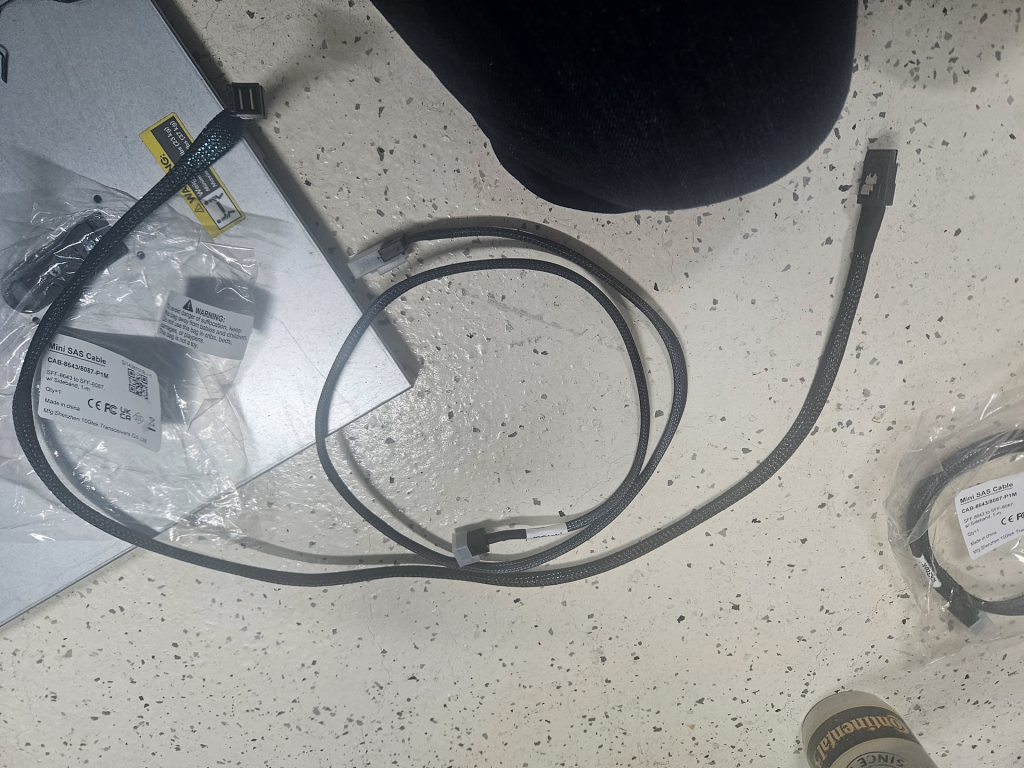
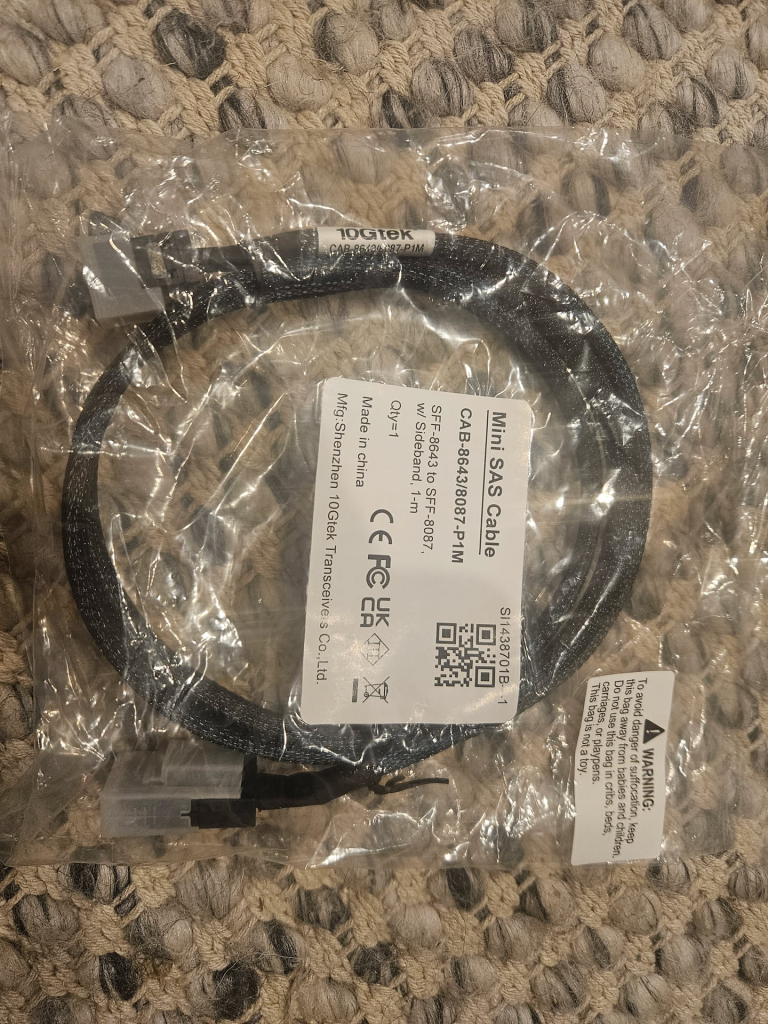
I installed a Broadcom LSI 9305-16i which gives me 16 ports of SAS3 connectivity with encpasulation support for SATA3 in to SAS3.
Taking power consumption off the table, compare this to Synology, U-Green, QNAP or even a N150 Intel machine, 32 threads of Xeon and 64GB of ECC RAM for $250 can not be matched and to date, since installation this has not skipped a beat.
Storage — Hard Drives and SSDs
Storage was a decision I thought about for quite some time. Things that were top of mind was Performance, Cost and Resiliency, but in a balanced manner as after all the bulk of the costs are storage, and in many ways I think I got lucky here timing wise as the cost of storage continues to grow and grow.
I am unsure if I could have justified this spend in June of 2026.
My aim was around 50TB of slow storage with Containers and VM’s on fast storage and I feel my approach has ticked both boxes in a fiscal manner.
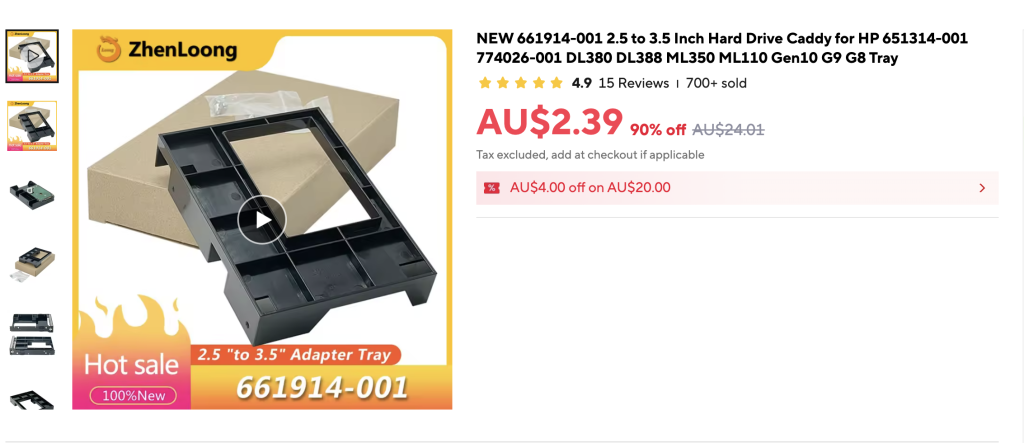
I also spent a lot of time trying to find a sever that had a combination of 2.5 inch bays (SFF) and 3.5 inch bays (LFF) but trying to find one proved hard and more so expensive. The cost to go down this path just was not viable. I went down the LFF path and used adapters, these basic ones from AliExpress
HDD Pool
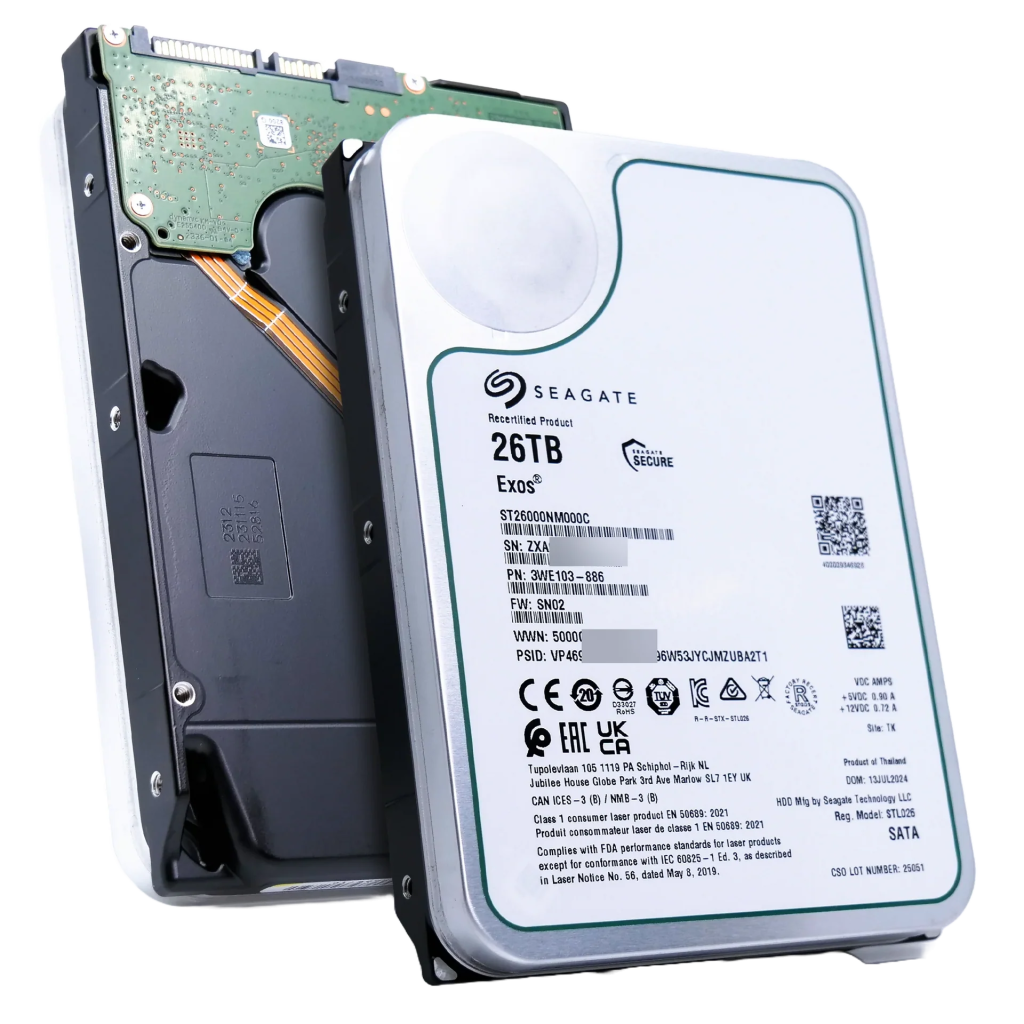
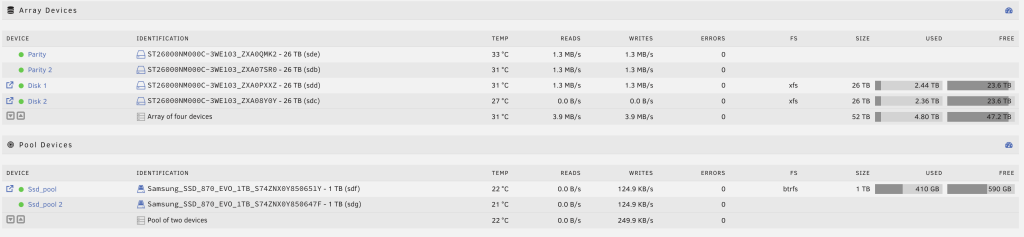
My main storage array is made up of 4 x 26TB Seagate Exos (ST26000NM000C) drives. Two are parity disks and two are data disks. This gives me 52TB of raw capacity with dual parity protection. These are enterprise drives designed for 24/7 operation in data centre environments with a 2.5 million hour MTBF rating.
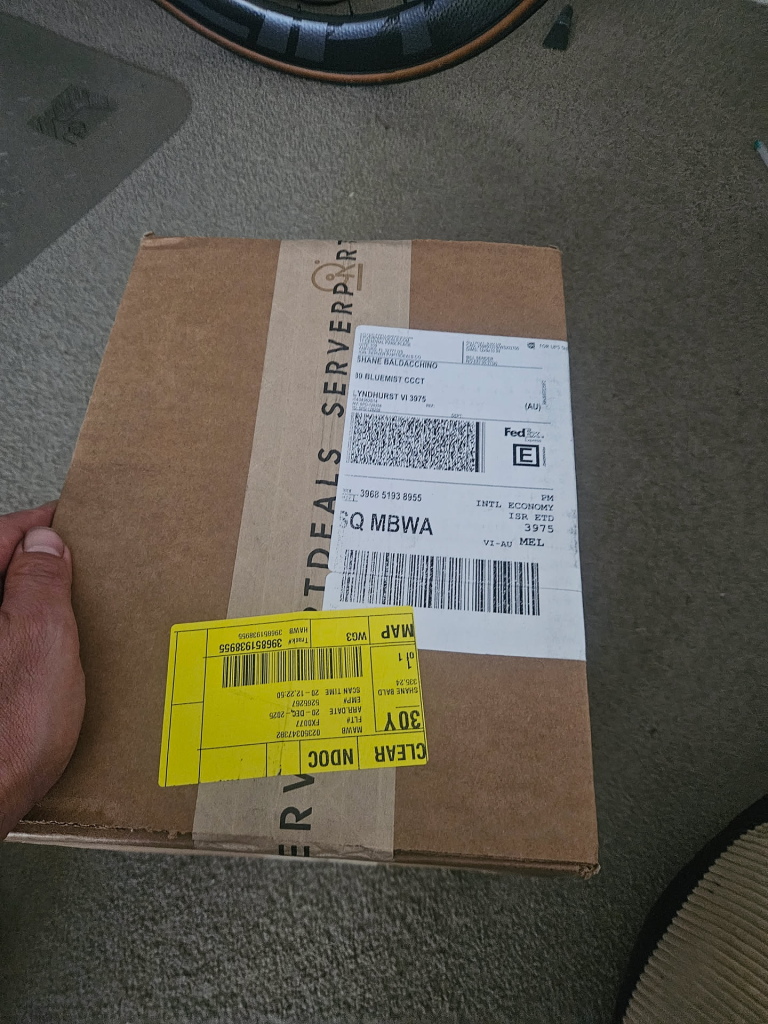
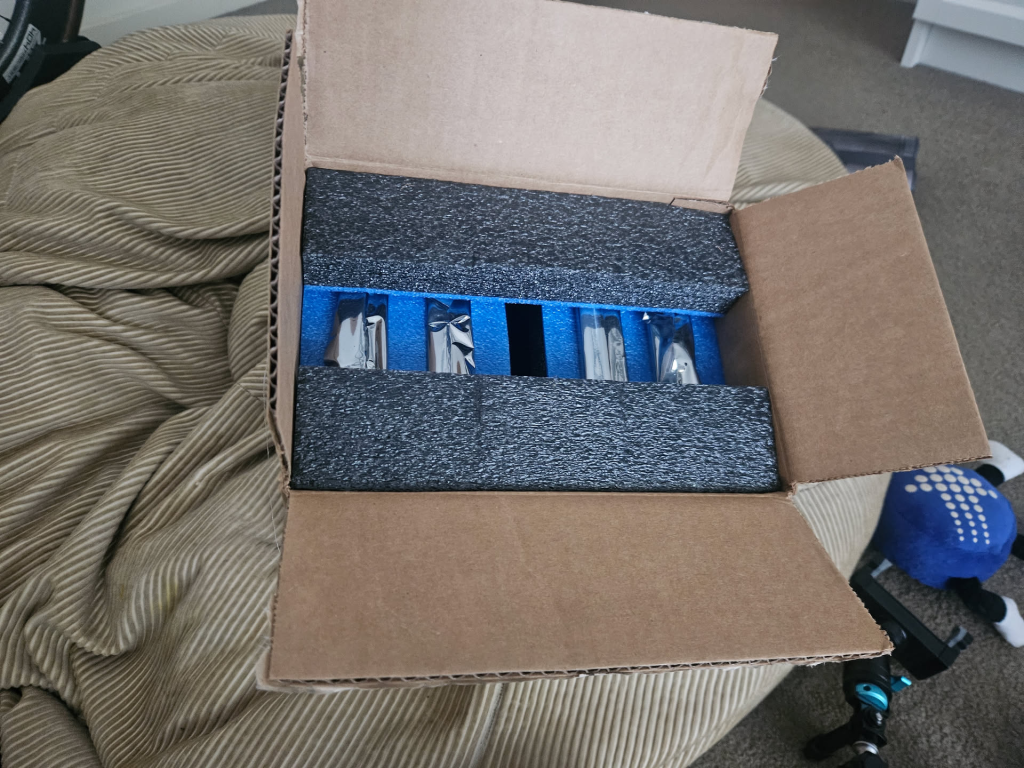
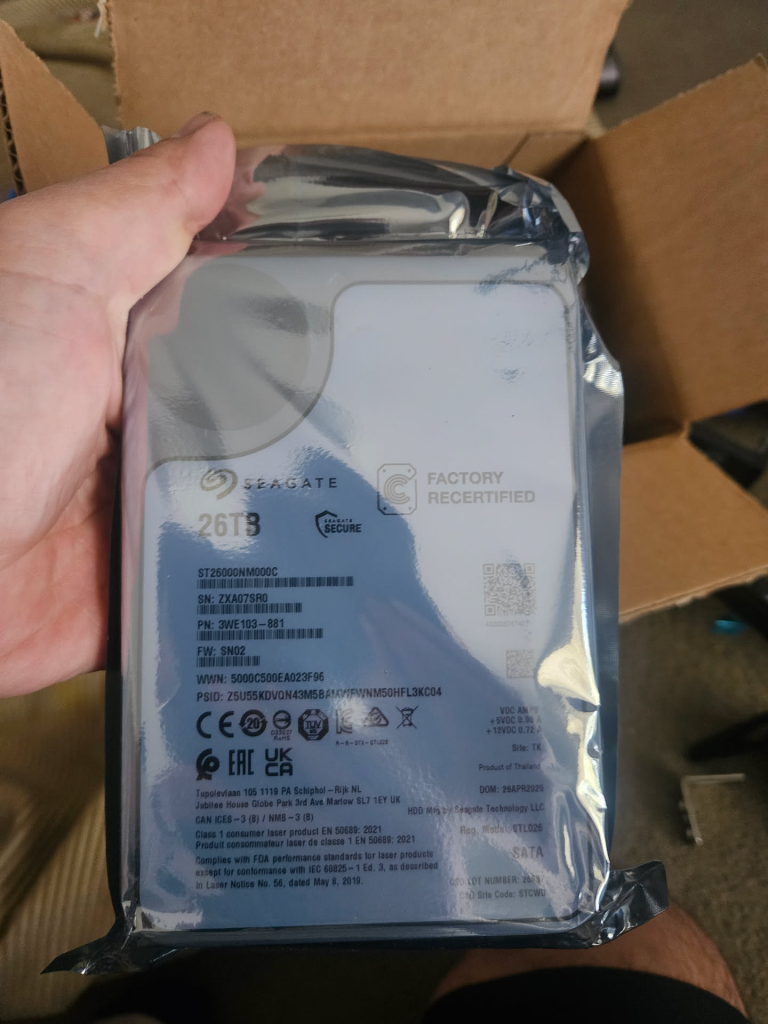
I purchased these from Server Part Deals in the United States and had them shipped to Australia. These are recertified drives with full 5 year warranty. I went down the factory recertified path due to cost. My rational was I have 5 years warranty and all the reviews I read and watched on Server Part Deals were broadly positive.
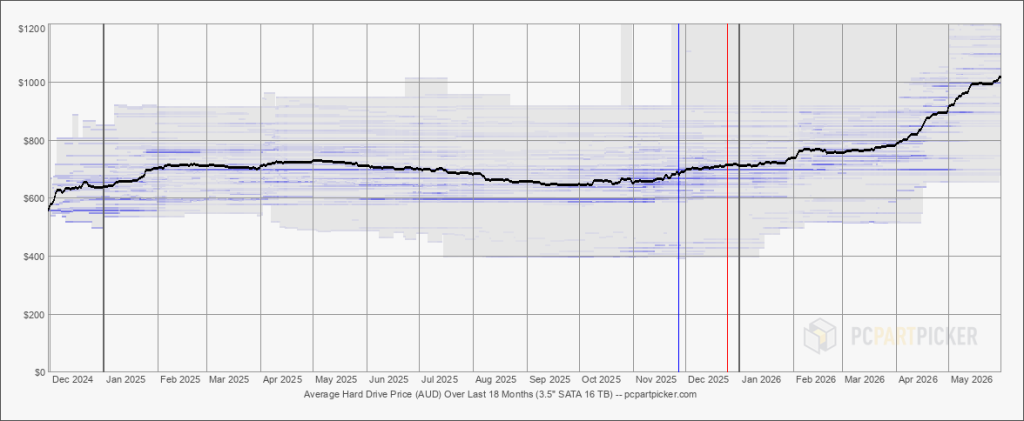
My largest cost is these 26TB drives. Each 26TB drive cost me approximately $500 AUD landed in Australia (December 2025). The same capacity drive purchased locally from an Australian retailer would cost today (June 2026) approximately $1,315 AUD. That is more than double the price. Across four drives I saved roughly $3,260 AUD.
The trade-off is warranty logistics. Thats when I will really know if I have made a wise choice of not. If a drive fails and I need to make a claim, I am shipping a drive back to the United States.
A few things to note here .
- It took only 1 week to ship with Fedex to Australia
- I have 2 drive parity. I would need to loose two disks before I loose any data
- Bakups, I backup everything that I deem important and I cant loose to S3
What I am saying is there are layers but there is no doubt I am trading off complexity compared to walking in to a local retailer with a receipt.
To date I have had no issues with any of the drives, but the risk is something you need to be comfortable with.
| ServerPartDeals (Recertified) | Australian Retail (New) | |
|---|---|---|
| Price per 26TB drive | ~$500 AUD | ~$1,315 AUD |
| 4 drives total | ~$2,000 AUD | ~$5,260 AUD |
| Warranty process | Ship to US | Walk in to local store |
| Drive condition | Recertified, tested | Brand new |
| Risk | International warranty claim | Simple local return |
SSD Pool
For containers and virtual machines I run 2 x Samsung 870 EVO 1TB SSDs in a BTRFS pool. This is where Docker and my VM’s run. This is for my I/O intensive workloads live. Things like Immich with its Redis DB & Postgres along side WordPress with Maria DB & Nginx. On the grand scheme of things I dont need too much storage, but I need it to be fast storage becaue this is what has an impact on my families use.
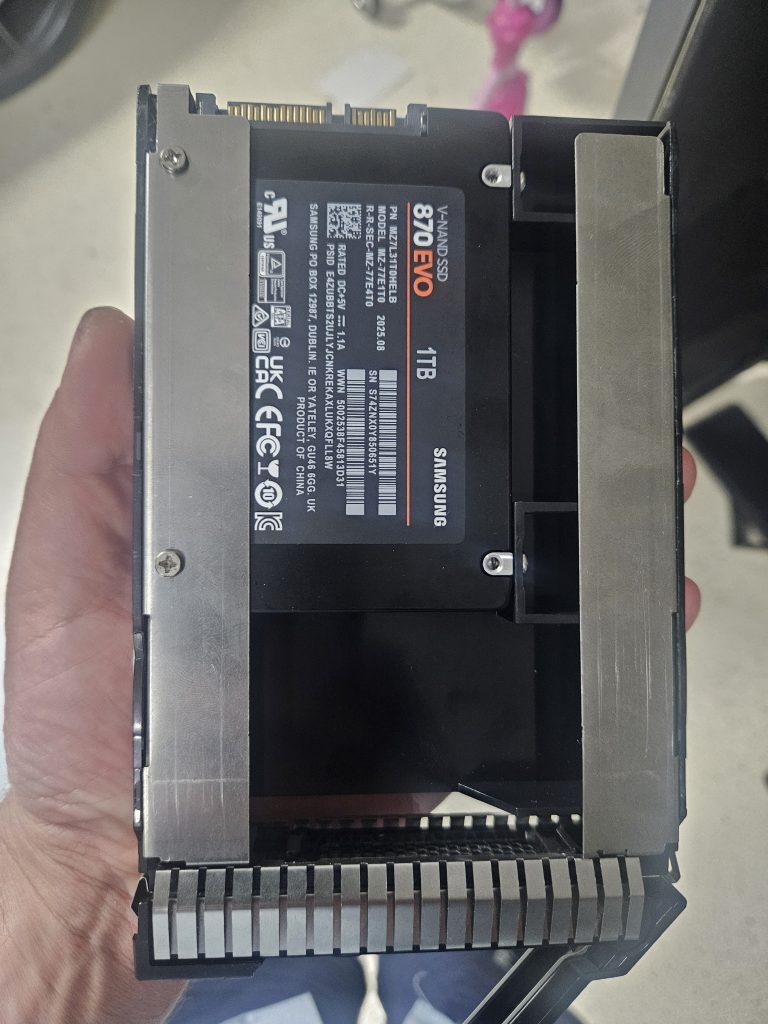
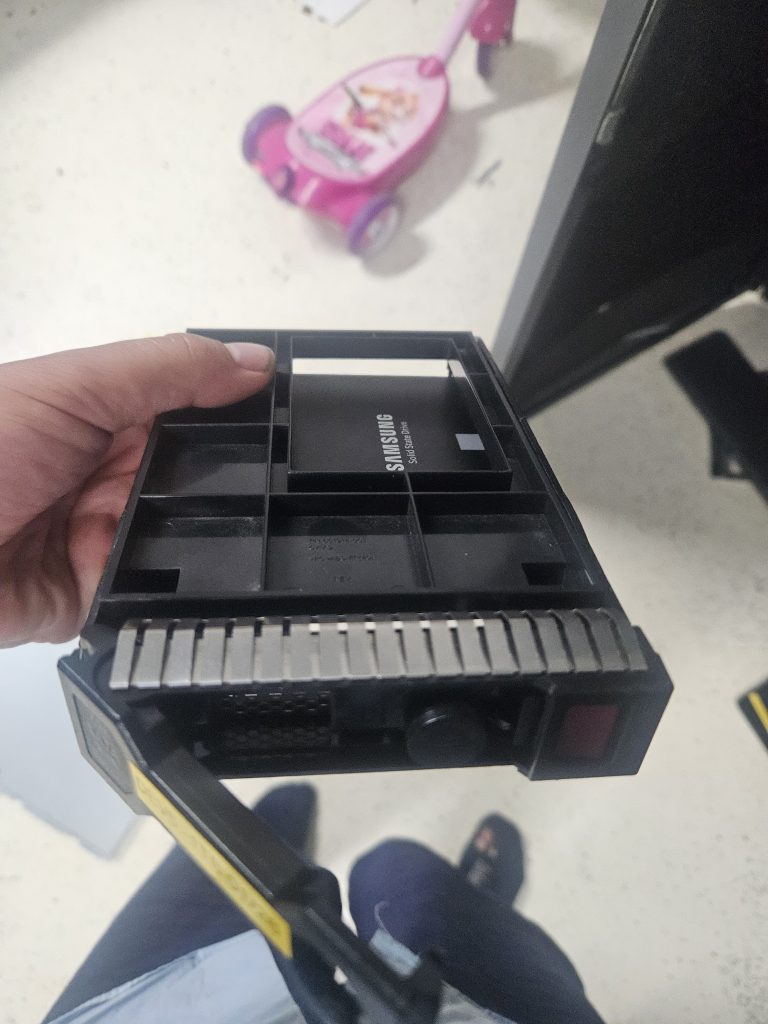
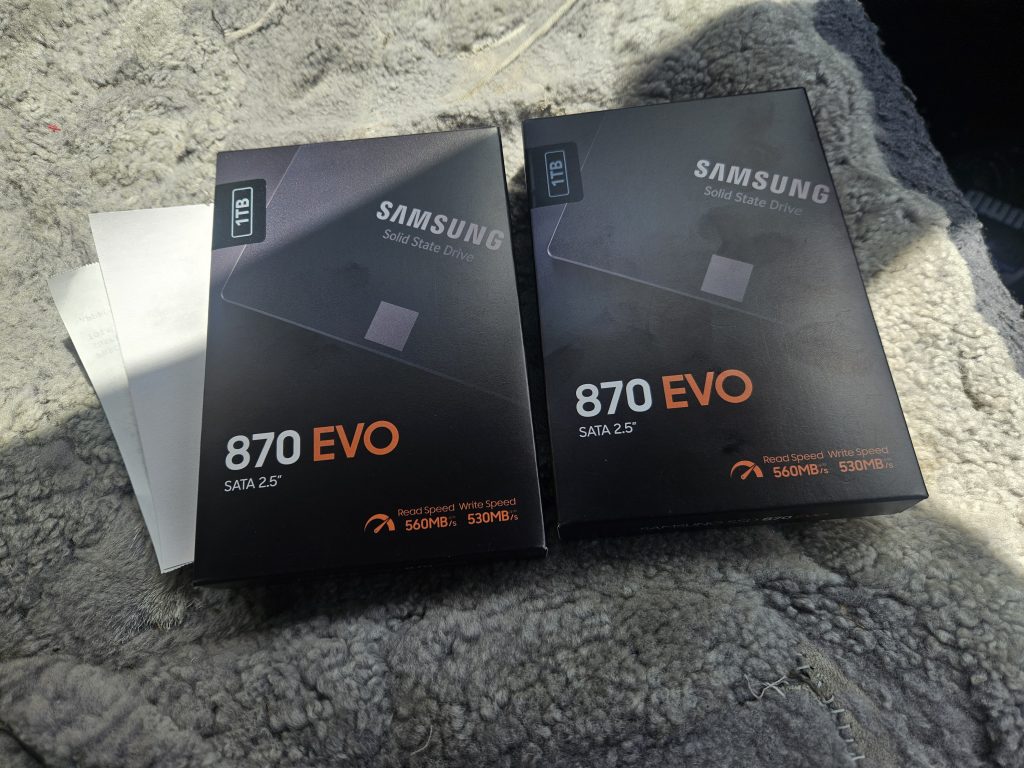
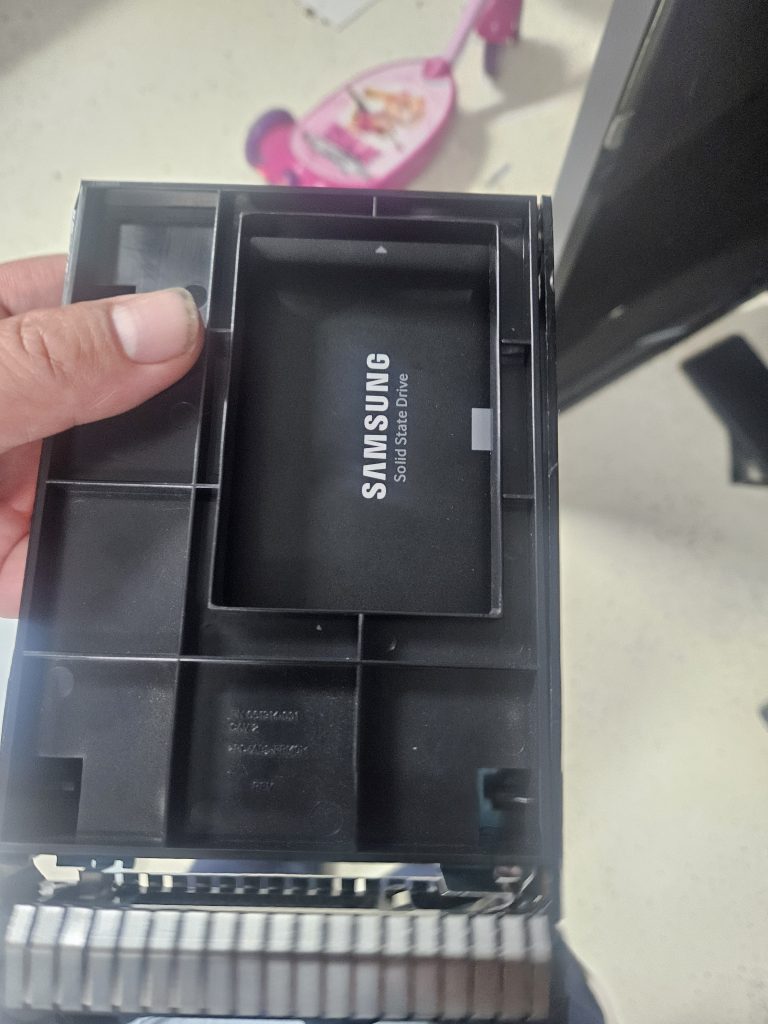
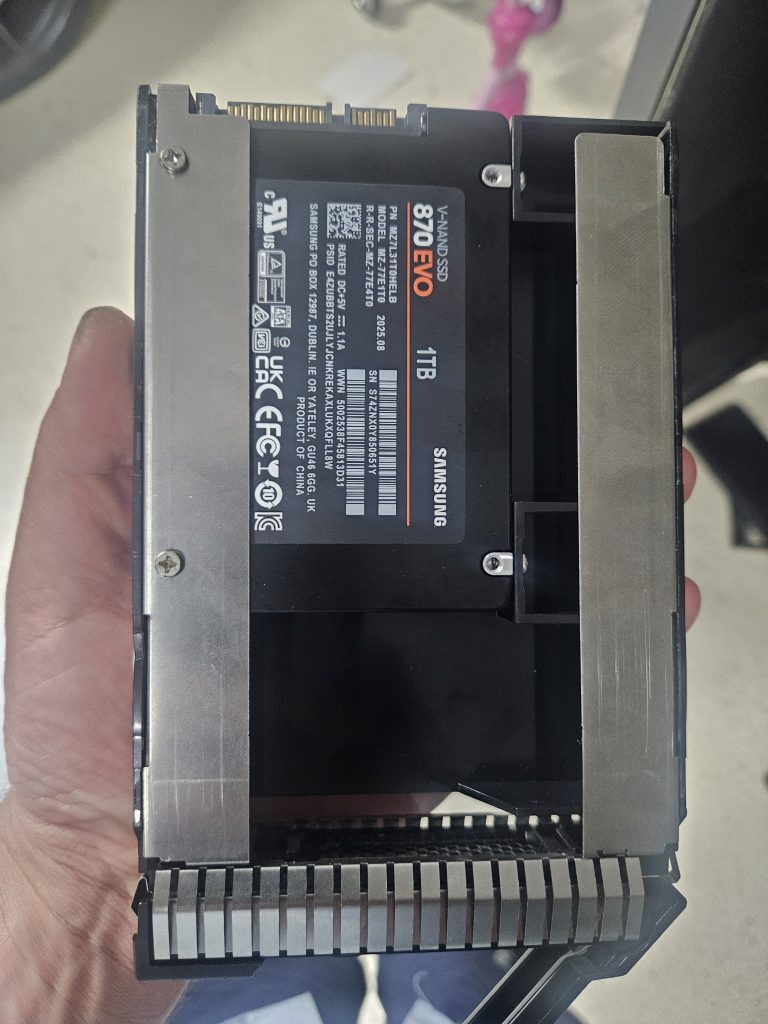
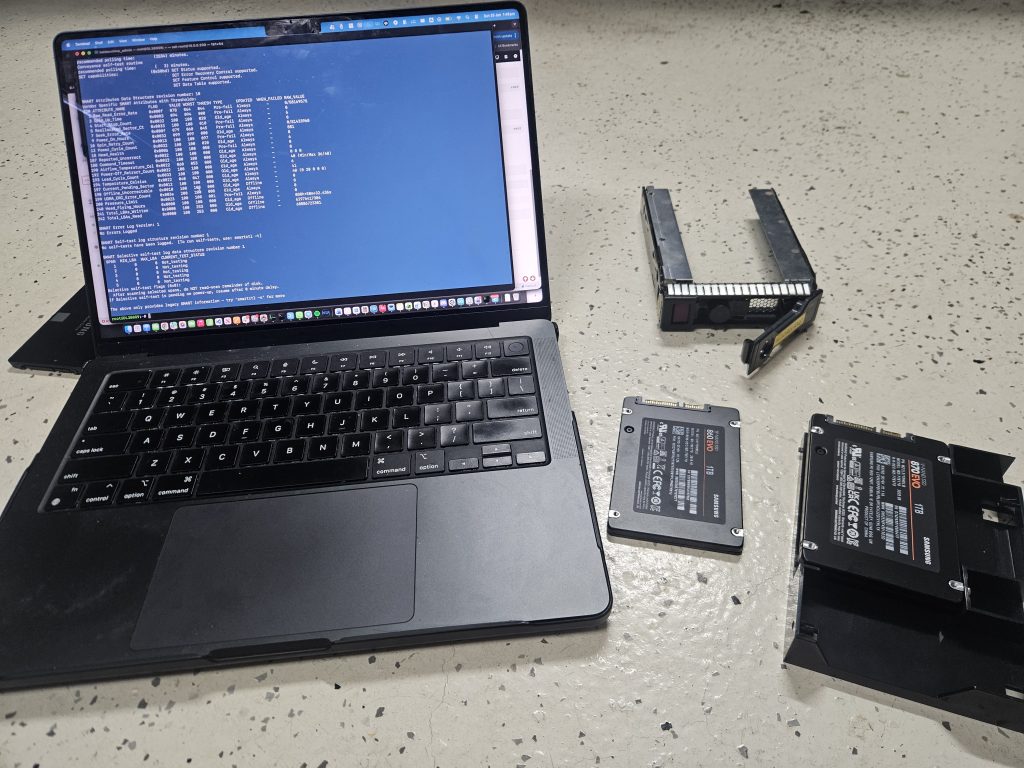
The SSDs sit in 2.5 inch to 3.5 inch adapter trays (HP 661914-001 style see above) mounted in the LFF bays alongside the Seagate Exos 26TB drives.
Server OS – Unraid
The bggest decision I needed to make when building this platform wasn an OS. I needed the ability to run VM’s, Containers and provide SMB/NFS storage. I am running Unraid. I will be honest, without speaking to a work collague about 12 months ago I was not aware of Unraid.
I evaluated, Proxmox & TrueNAS both of which I would say are the best in their respective domains But it came back to the best all round for my needs.
The big selling point to me, Unraid lets me add disks of different sizes without having to rebuild arrays. It gives me Docker support out of the box. It runs VMs through KVM/QEMU. It has a community plugin ecosystem that fills in the gaps, but in short those community plugins are simply Docker.
The web GUI is good enough for day to day management and when and of course I can use SSH and if we are being honest, its hard to escape SSH for debugging and attaching to Docker containers.
Unraid uses the LSI controller in pass through mode. There is no hardware accelerated RAID this is all done in software.
I did mention the ability to mix and match disk sizes, it is a good feature but there are limitiations. The big limitation not called out is your I/O performance is limited to a single disk. In my scenario I have 4 x 26TB SATA disks in a Raid Z-2 configuration. My read performance is not of 4 disks, it i actually of just one disk, so if you are chasing I/O performance
Unlike traditional RAID (which stripes data across multiple disks), the main Unraid array stores each file entirely on a single data disk. This means write speeds are restricted to the maximum speed of that individual drive
You can use approaches that work around this such as writing to SSD and then moving to slower storage in the background (Mover) but to me this add’s complexity and I have chosen to have a RAID Z2 + a 2 drive BTRFS mirror.
If you need hundreds of megabytes of I/O using mechanical storage, then simply put this is not the right solution for you either use Proxmox or a hardware RAID controller.
On the plus side of things, given this is not RAID and my data is stored on and individual data disk, it means should I need to place this disk is another system, I should be able to read with any other Linux distribution.
Let me just say it has been ‘pretty’ good but there have been two issues in running in 6 month that I am not certain either would have happened on eother TrueNas or Proxmox. and whilst I cant be certain they wouldn’t have happened elsewhee, I assume on more battle hardned platforms
Performance
Whilst I have not benchmarked this system extensively, I realise my machine is not powerhouse. It will not crush tokens, it will no be an 8K video monster but its suitable for my needs and more so, I index on reliability.
I/O, both disk and network is more than enough for my needs. This is about building responsibly. There is dual parity on the mechanical Seagate disks and both Samsung Evo 870’s are mirrored which reflect in the tests below.
Here are some rough tests, I used FIO and Iperf3. Again I dont need a power house but I need to be able to satisfy latency sensitive workloads (editing RAW photos over the LAN, this website, immich etc) whilst providing large amounts of slow storage.
Headline numbers are
| Test | Value |
| Network : Iperf3 : Docker <–> VM | 25GB/sec |
| Network : Iperf3 : LAN –> Unraid | 1GB/sec |
| Storage : Fio SSD Pool (btrfs) | 557Mb/sec : 0.03ms latency |
| Storage : Fio Segate Exos (Single Disk – 2 drive parity) | 193Mb/sec : 13.3ms latency |
VM <–> Container Network
A lot of my traffic happens between systems. MQTT is doing 400 messages per second (Mosquitto container), Home Assistant is polling everything and then there is general packet routing (OpnSense)
root@DL380G9% iperf3 -c 10.0.0.200
Connecting to host 10.0.0.200, port 5201
[  5] local 10.0.0.200 port 35138 connected to 10.0.0.200 port 5201
 - - - - - - - - - - - - - - - - - - - - - - - - -
[ ID] Interval           Transfer     Bitrate         Retr
[  5]   0.00-10.00  sec  26.7 GBytes  22.9 Gbits/sec    0            sender
[  5]   0.00-10.00  sec  26.7 GBytes  22.9 Gbits/sec                  receiver

iperf Done
LAN <–> Raspberry Pi 5
A more real world experience taking out the challenges of RF (Radio Frequency)/Wifi is from a Raspberry Pi5 plugged in to the same Cisco 3750X switch yielding 1GB or the interfaces maximum, illustrating the DL380G9 is not a bottleneck.
baldacchino_admin@10.0.0.202% iperf3 -c 10.0.0.200 -P 4
Connecting to host 10.0.0.200, port 5201
[SUM]   0.00-10.00  sec  1.30 GBytes  1.12 Gbits/sec  1957             sender
[SUM]   0.00-10.00  sec  1.29 GBytes  1.11 Gbits/sec                  receiver
iperf Done.
For storage tests I used FIO, generous block sizes and in every case there is performance overhead that needs to be considered from running 2 drive resiliency on the Segate Exos drives and mirroring on the Samung Evo’s. Both are architectural decisions I made.
root@DL380G9:/mnt# docker run --rm -v /mnt/ssd_pool:/test alpine sh -c "apk add -q fio && mkdir -p /test/fiotest && fio --name=read --directory=/test/fiotest --rw=read --bs=1M --size=4G --numjobs=1 --iodepth=16 --ioengine=libaio --direct=1 --group_reporting && rm -rf /test/fiotest"
read: (g=0): rw=read, bs=(R) 1024KiB-1024KiB, (W) 1024KiB-1024KiB, (T) 1024KiB-1024KiB, ioengine=libaio, iodepth=16
fio-3.41
Starting 1 process
read: Laying out IO file (1 file / 4096MiB)

Run status group 0 (all jobs):
   READ: bw=532MiB/s (557MB/s), 532MiB/s-532MiB/s (557MB/s-557MB/s), io=4096MiB (4295MB),
root@DL380G9:/mnt/disks# docker run --rm -v /mnt/disk1/exos:/test alpine sh -c "apk add -q fio && mkdir -p /test/fiotest && fio --name=exos-write --directory=/test/fiotest --rw=read --bs=1M --size=4G --numjobs=1 --iodepth=16 --ioengine=libaio --direct=1 --refill_buffers --buffer_compress_percentage=0 --end_fsync=1 --group_reporting && rm -rf /test/fiotest"
exos-write: (g=0): rw=read, bs=(R) 1024KiB-1024KiB, (W) 1024KiB-1024KiB, (T) 1024KiB-1024KiB, ioengine=libaio, iodepth=16
fio-3.41
Starting 1 process
exos-write: Laying out IO file (1 file / 4096MiB)

Run status group 0 (all jobs):
   READ: bw=184MiB/s (193MB/s), 184MiB/s-184MiB/s (193MB/s-193MB/s), io=4096MiB (4295MB),
Issues
Whilst I could tell you this has been roses, the truth is there has been teething issues. As I type this I have had about 3 months of solid reliability, where the first issue I am going to describe was having a real impact, which resulted in the need to reboot every 1 week. I will own this as an issue I caused with the later issue being purely a compatibility issue of myself running SATA disks with a SAS Controller.
- VM / Container Networking
Given a reboot of Unraid is a 20 minute saga (if you have not owned an Enterprise Server, they take 10 minutes often to just POST) I seldom reboot. Rebooting breaks a lot of things. The two services that cause the most noise is firstly OpnSense providing internet and secondly Mosquitto being my MQTT broker. If either go offline there is generally unhappy people. After about 1 months of uptime Home Assistant was restarting constantly. If you are familiar with Home Assistant you will know Home Assistant runs a container engine in the VM. What was happening was the Docker container inside the VM would constantly reboot. Under load (basically anything) it would reboot. I could not restore a backup as it would cause a reboot. I broke my Home Assistant VM trying to debug. I created a new VM and had the same issue. A heap of time spent debugging.
In the end a reboot and a Unraid update fixed the problem. Kind of disappointing but I have monitoring now to detect this behaviour in Uptime Kuma.
The root cause was Frigate, I had left a camera in my configuration that was no longer needed and it was consuming network sockets trying to constantly connect every few seconds. A good reminder that containers, as great as they are do not have the same level of isolation as a Virtual Machine. - SCSI Queue Depth
This is worth documenting because it took a while to figure out and if you are running consumer SATA SSDs behind a SAS HBA you may hit the same issue and perhaps its a combination of Unraid, my SAS controller (LSI 9315-16i) and my drives.
Shortly after building the system I started seeing intermittent SCSI task aborts and hardware resets on both Samsung 860 EVOs. The symptoms were ugly —sd 1:0:4:0: [sdf] tag#XX FAILEDmessages in dmesg, BTRFS device stats showing I/O errors, and occasional complete drive timeouts under sustained load. The 26TB Seagate HDDs on the same controller and same backplane had no issues whatsoever.
I went through the usual diagnostic path. Reseated cables. Moved drives to different backplane slots. Checked SMART data (clean). Replaced cables with really expensive ones I even bought new disks due to the SMART counters on the 860 EVO’. None of it helped. The errors followed the SSDs, not the slots or cables.
What I realised was I could replicate this. It was under heavy I/O load. Short bursts were fine. But when I used a harness to copy 50GB of sequential writes I would get errors. The 26TB HDDs never had this problem because they are mechanically slower — they max out at around 200MB/s and naturally drain the command queue. The SSDs were completing commands in 0.1ms and flooding the SAS-to-SATA translation layer.
The fix in the end was really simple but it took weeks, dollars and time to get there. I reduce the SCSI command queue depth from the default of 32 to 1.
The root cause is a timing mismatch in the SAS-to-SATA protocol translation. The LSI 9305-16i is a SAS3 HBA. My Samsung 870 EVOs are SATA drives. When a SATA drive sits behind a SAS HBA, the communication goes through STP (SATA Tunneling Protocol). Enterprise SATA drives like the Seagate Exos are designed and tested for this environment. Consumer SSDs like the Samsung 870 EVO are optimised for direct AHCI connections and can get overwhelmed when the HBA aggressively queues 32 concurrent commands through the STP translation layer.
Queue depth 1 means the HBA sends one command at a time, waits for a response, then sends the next. Peak sequential throughput dropped from around 550MB/s to around 250MB/s. For my workloads — Docker containers starting, database queries, Frigate writing clips, Home Assistant doing thousands of small I/O operations — the difference is imperceptible. These workloads are latency sensitive, not throughput sensitive, and SSDs at queue depth 1 still deliver 0.1ms latency versus 10ms for a spinning disk.
A $0 fix. No new hardware required. Made permanent in Unraid’s/boot/config/gofile so it persists across reboots.
echo 1 > /sys/block/sdf/device/queue_depth
echo 1 > /sys/block/sdg/device/queue_depth
Workloads
Workloads can be broken down in to 3 distinct areas
1. Docker Containers
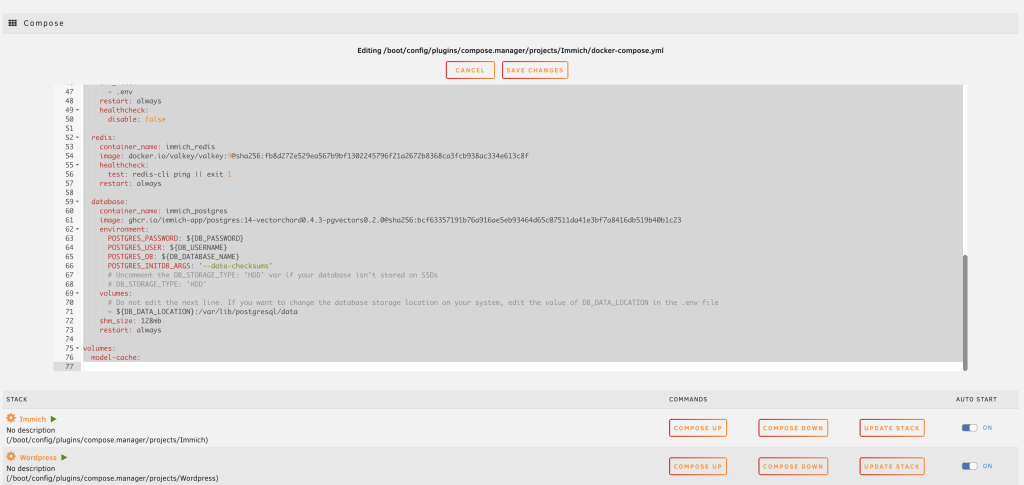
These days a lot of software is delivered via Docker. From WPScan through to TFTP and beyond, this is the way I manage most things. Recently I needed a TFTP server to configure some Cisco gear, the solution is docker. Every container listed above has storage mapped back to Unraid’s File System. I use my BTRFS Samsung 870 Evo’s are storage. Its a container and it needs to be fast.
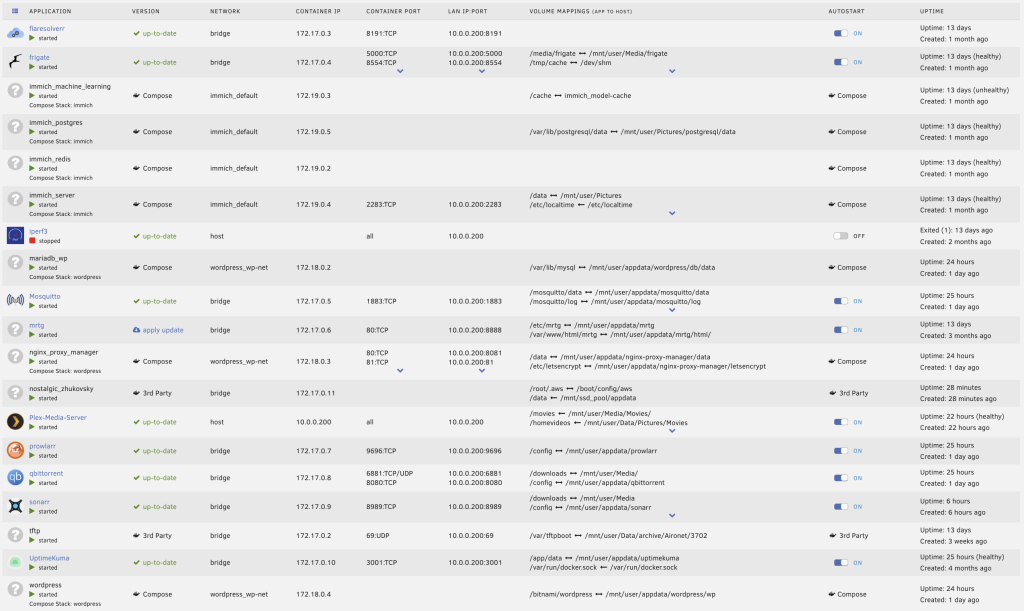
root@DL380G9:~# docker ps -a --format "table {{.Names}}\t{{.Status}}"
NAMES                     STATUS
mosquitto                 Up 12 days
prowlarr                  Up 12 days
sonarr                    Up 12 days
qbittorrent               Up 12 days
Plex-Media-Server         Up 12 days (healthy)
tftp                      Up 12 days
immich_server             Up 12 days (healthy)
immich_postgres           Up 12 days (healthy)
immich_machine_learning   Up 12 days (unhealthy)
immich_redis              Up 12 days (healthy)
wordpress                 Up 12 days
nginx_proxy_manager       Up 12 days
mariadb_wp                Up 12 days
flaresolverr              Up 12 days
frigate                   Up 11 days (healthy)
iperf3                    Exited (1) 12 days ago
mrtg                      Up 12 days
UptimeKuma                Up 12 days (healthy)
root@DL380G9:~#
- Frigate NVR — 7 cameras, object detection offloaded to a Google Coral USB TPU, recording and re-streaming via FFmpeg. Frigate on this hardware versus the Raspberry Pi 5 it was previously on is night and day. The Pi was always at the edge of its capabilities. On the DL380 G9, Frigate barely registers.
- Immich — Photo and video management for the family. Machine learning for face recognition and smart search. This was the workload that killed the Synology DS918+. On the DL380 it runs alongside everything else and the machine learning indexing that used to take hours completes in a fraction of the time.
- Plex Media Server — Media streaming. No dedicated GPU in this machine but between 32 threads of Xeon I can handle transcoding when needed. It is not perfect but it is suitable for my needs.
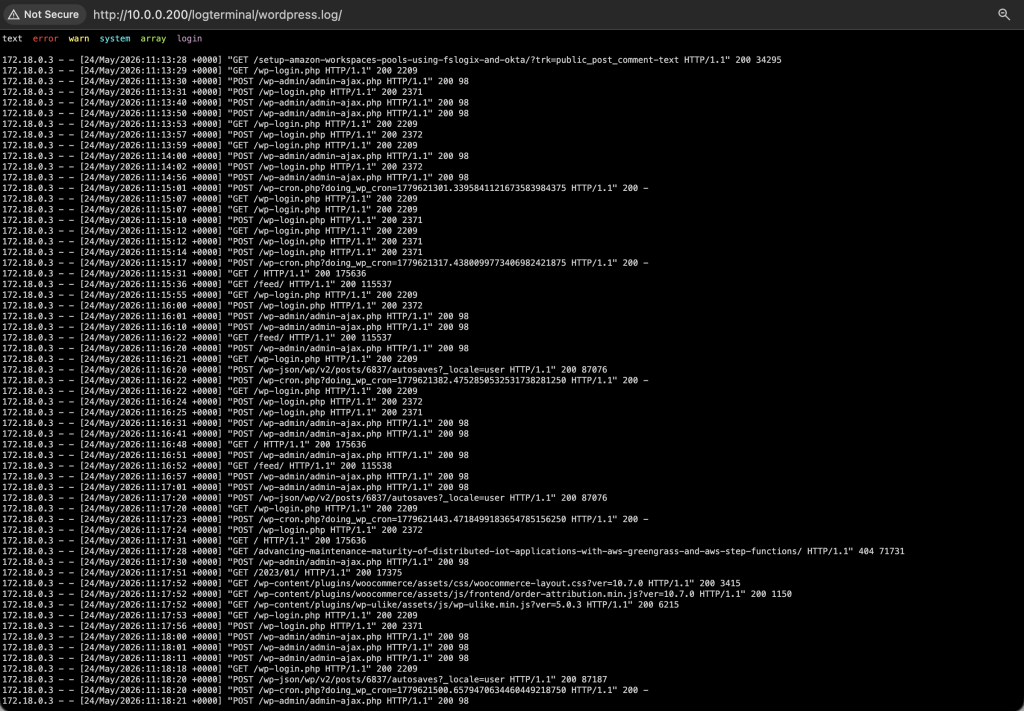
- WordPress + MariaDB + Nginx Proxy Manager — This blog. Bitnami WordPress image, MariaDB 11.8 with tuned InnoDB settings, Nginx Proxy Manager handling TLS termination with Let’s Encrypt certificates.
- Mosquitto — MQTT broker at 10.0.0.200:1883. The backbone of my home automation, bridging Home Assistant, my Arduino Giga R1, Tasmota devices and various sensors.
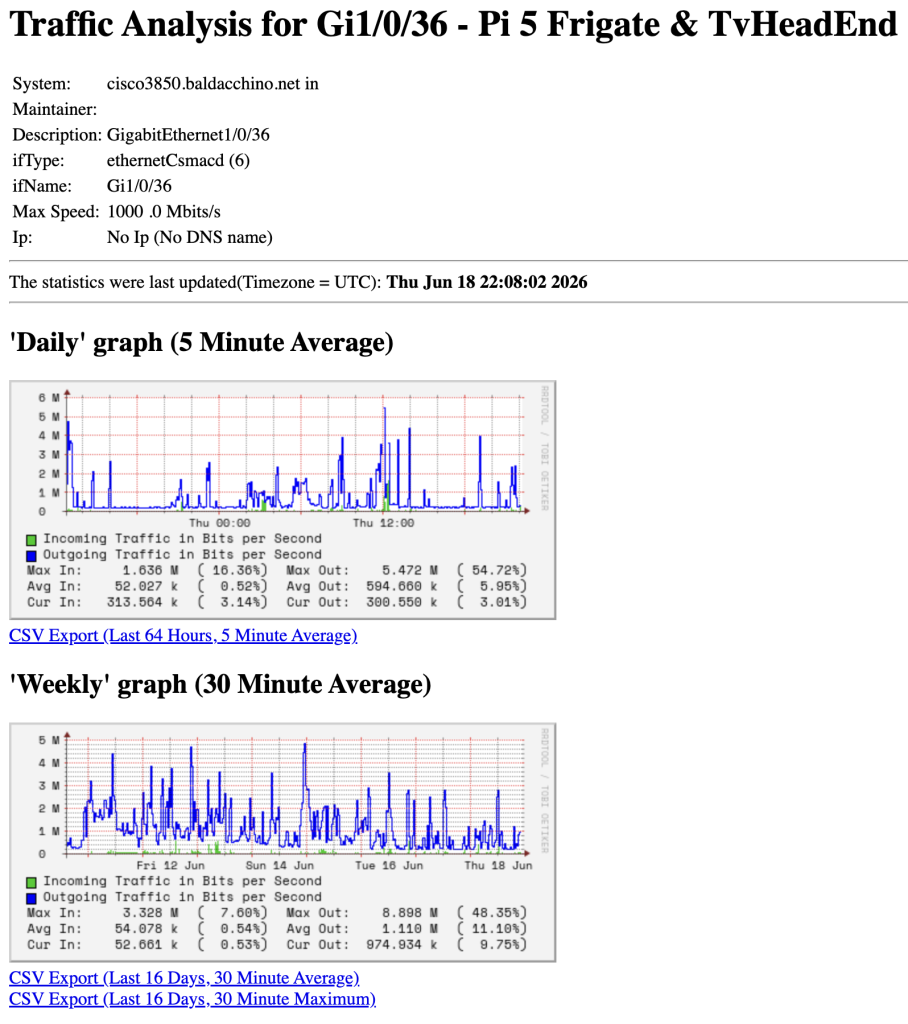
- MRTG — Multi Router Traffic Grapher. Old school but it works. I have been using MRTG since the early 2000′. It is SNMP polling my Cisco 3850 switch and autonomous mode Cisco 3702i access points, graphing traffic and utilisation over time.
- Uptime Kuma — Monitoring dashboard tracking the availability of all my services.
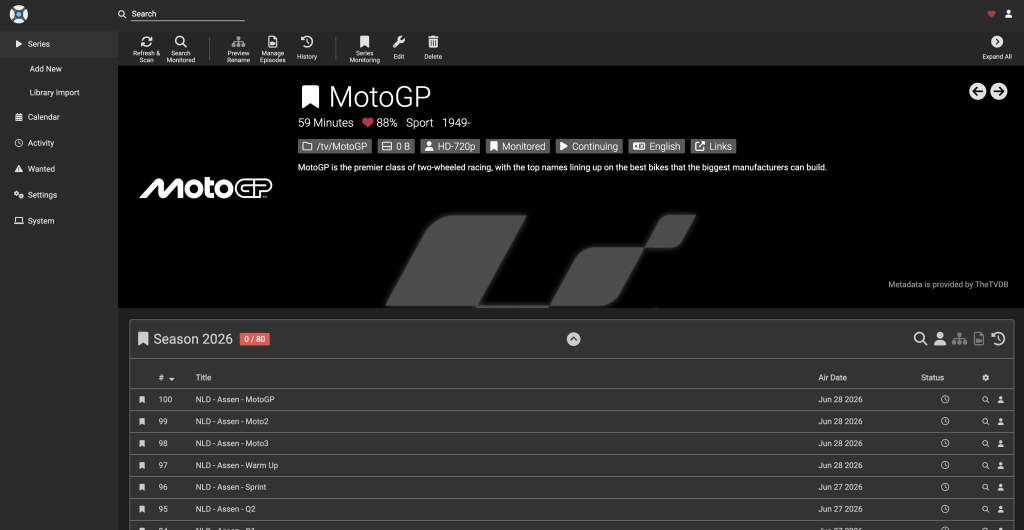
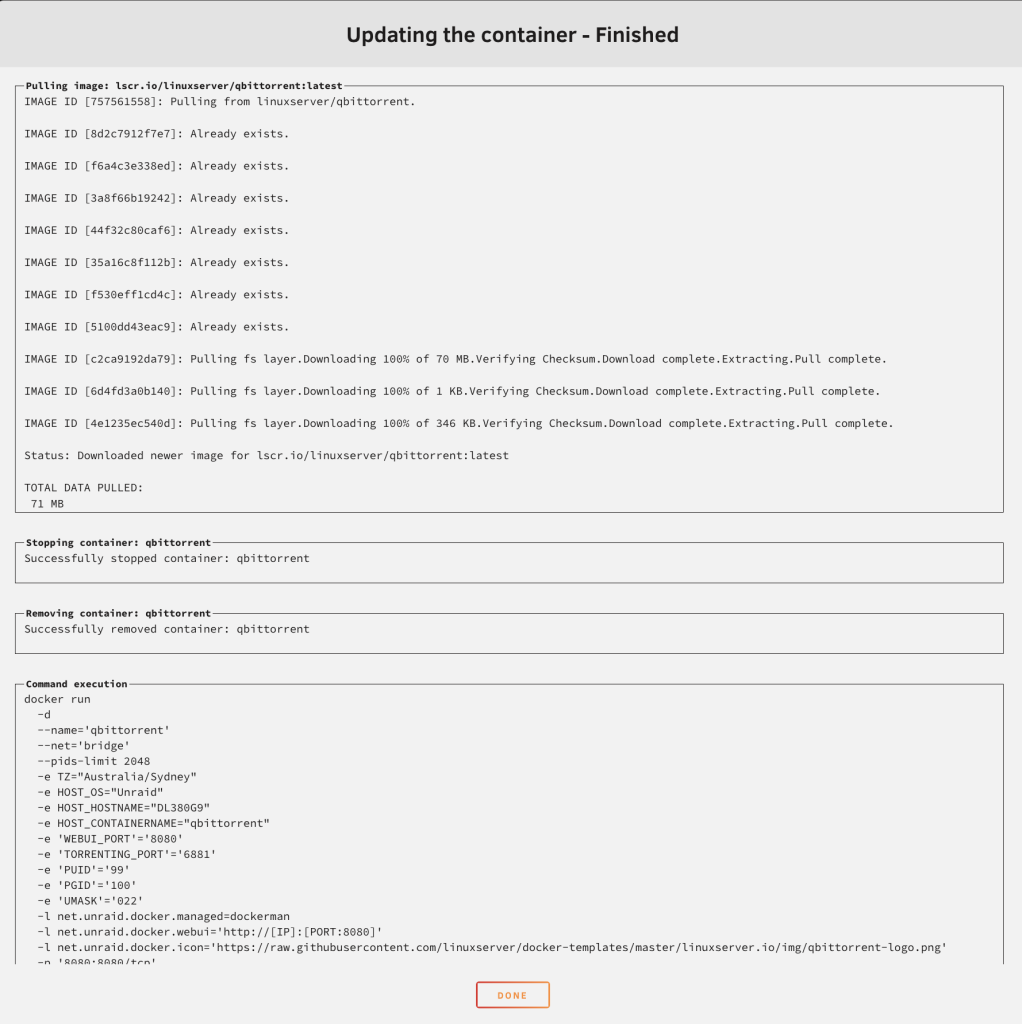
- Sonarr + Prowlarr + qBittorrent + FlareSolverr — The *arr stack for managing TV show libraries. I am not going to dive too deep in to this, but Sonarr handles series tracking and automation, Prowlarr aggregates indexers, qBittorrent is the download client and FlareSolverr sits in front to handle Cloudflare challenges that would otherwise block indexer queries. Media lands in
/mnt/user/Media/TVand is picked up by Plex automatically. - TFTP – Trivial File Transfer Protocol, this is what I use for managing networking device configuation. My house is based on Cisco gear and its an easy way to version control my configuration.
.
The following containers are invoked on demand.
- AWS CLI – I use AWSCLI in a container, to perform backups.
- Speedtest – A means to run Speedtest via Docker.
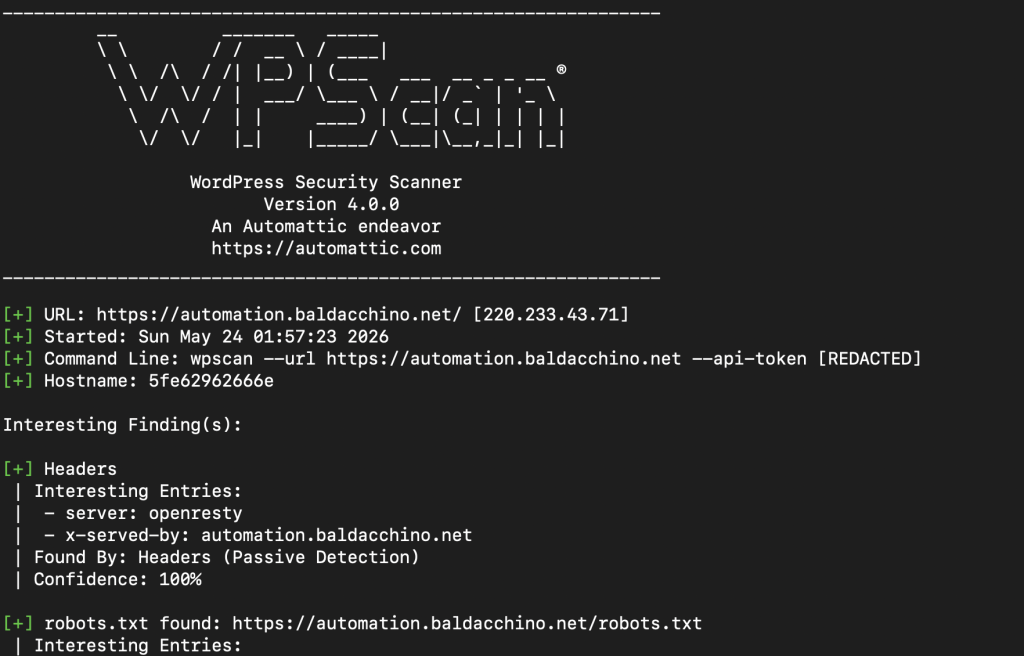
- WPScan – WordPress Vulnerability Scanner, whilst I keep this website updated. Plugins are not updated via Docker Compose Update and are the biggest issue in keeping WordPress safe and secure.
Virtual Machines
- Home Assistant OS — Running as a full VM with 8 vCPUs and 8GB RAM. The VM has a 32GB virtual disk on the SSD pool and access to two virtual network interfaces. Home Assistant is the brain of my house — it controls roller shutters, ceiling fans, lighting, monitors my Sigenergy solar and battery system, manages automations and provides dashboards for everything.
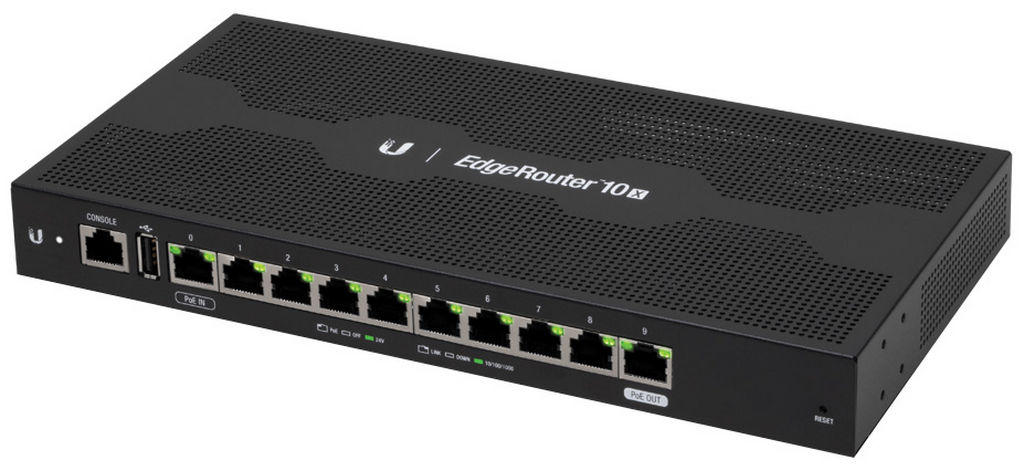
- OPNsense — Running as a VM with 4 vCPUs and 4GB RAM. This is the single most critical workload on the entire server. OPNsense terminates my PPPoE connection to my ISP, handles DHCP for every device on my network, runs DNS resolution, manages firewall rules across VLANs and provides NAT for the entire house. I have a Ubiquit EdgeRouter 10X in the rack that is disconnected and configured, if I need to do maintenance I simply power this unit on and my house continues with internet limited to 350 megabits (CPU bound)
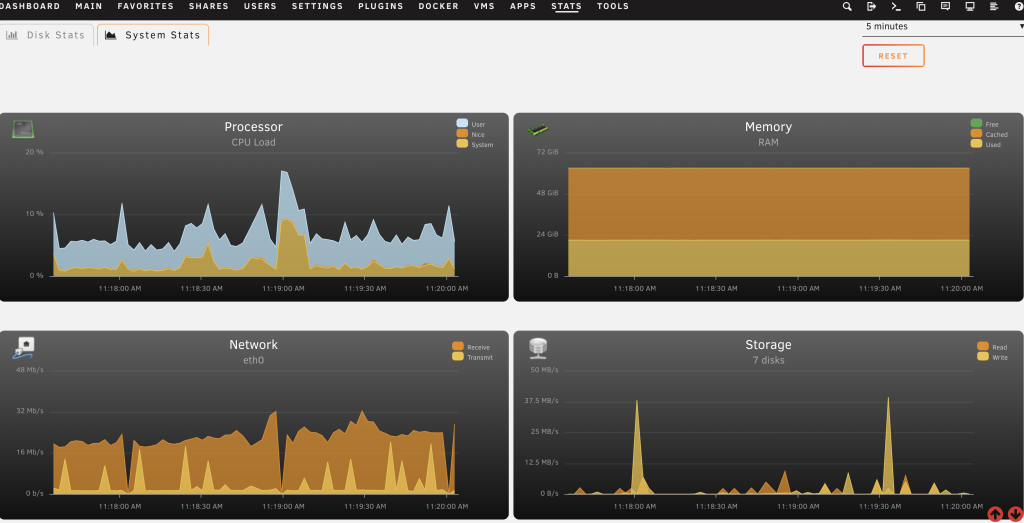
Under normal operations the system sits at around 10% CPU utilisation. That is with all 7 cameras streaming, object detection running, Immich indexing, WordPress serving requests, Home Assistant processing automations and OPNsense routing every packet in and out of the house. The machine has more headroom now than it has ever had.
My Rack
The DL380 G9 is one piece of a broader ecosystem in my garage rack. My HP 1000 G2 is 145kg unloaded. There is probably another 50kg of weight within this. A rack I picked up from a friend. 42RU racks are more likely to be free given their size. Fill them with shelves and even use them as storage. I have covered the grills with foam to prevent as much dust being able to ingress the fans on my systems.
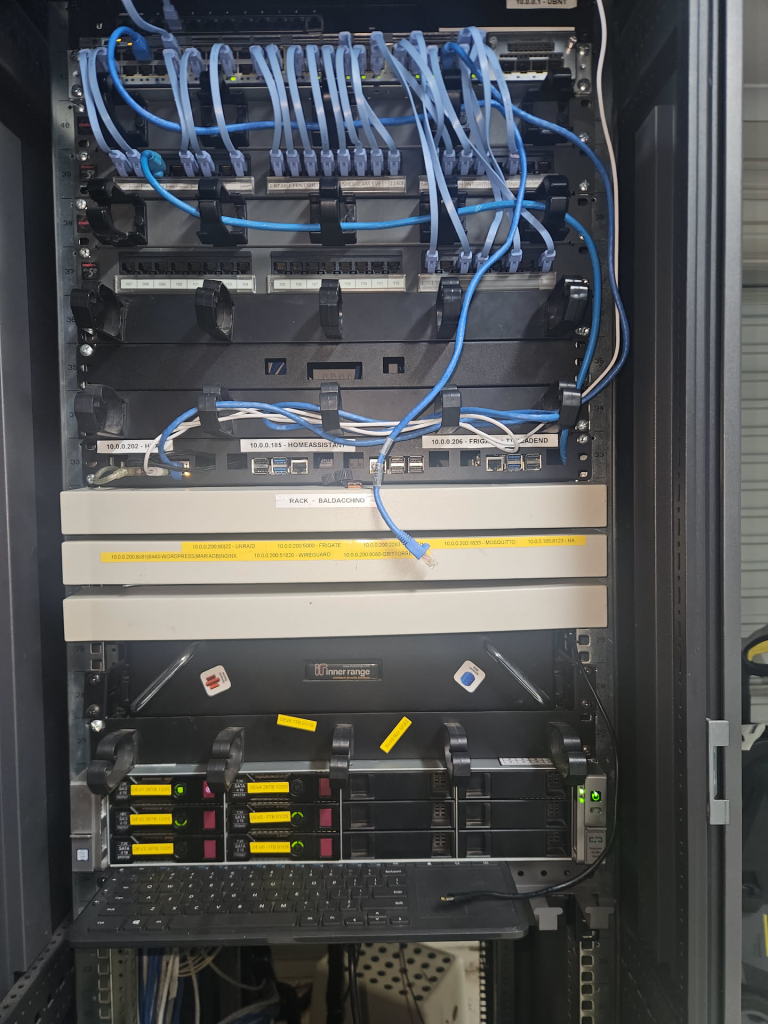
My rack — server, switching, patching, routing and power conditioning
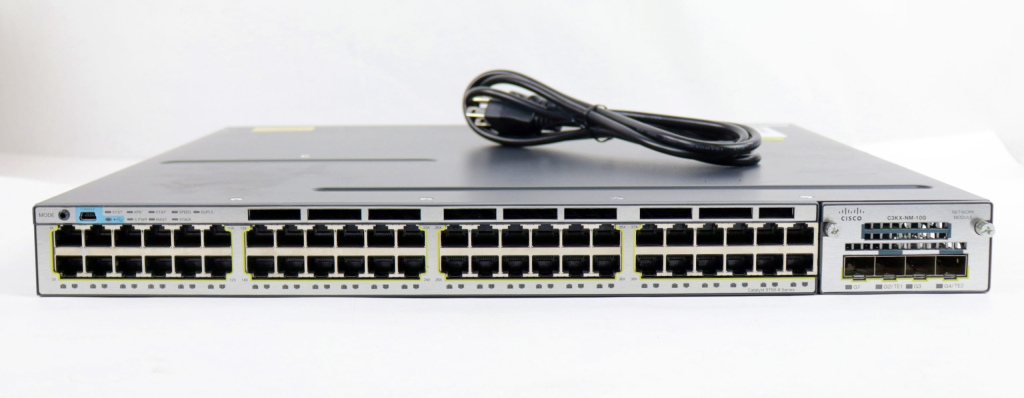
- Cisco Catalyst 3750x — My core switch. 48 port PoE+ providing connectivity and power to access points and other devices throughout the house. They are really cheap, $150 to $200 will get you a dual PSU device. If you can get past the initial startup sound or loud sounds when its hot, I would say they are amazing value and can be incredibly quiet.
- HP 1000 Rack (42RU) — HP 42 RU rack with some basic cable management. Cables are terminated in to the patch panels and then distributed to a Cisco Switch or PLC. I say or PLC as some systems I use Ethernet as a medium but may carry RS232/485
- Ubiquiti EdgeRouter 10X [Backup] — Power Off – Used to deal with all routing, DHCP, Firewall and PPoE but was replaced by OPNsense and is unable to provide more than 350megabits per second.
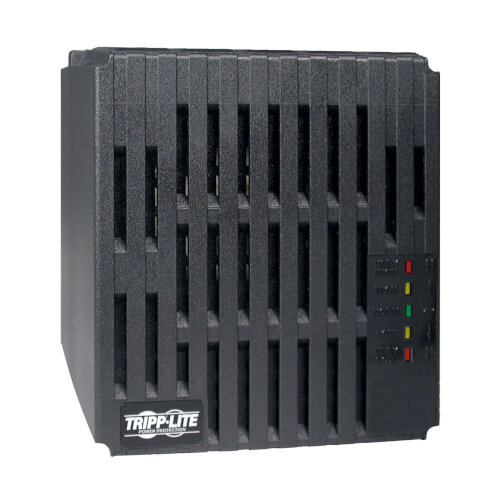
- TrippLite LR200 — Line conditioner providing power conditioning to the rack. Clean power matters when you are running enterprise hardware 24/7.
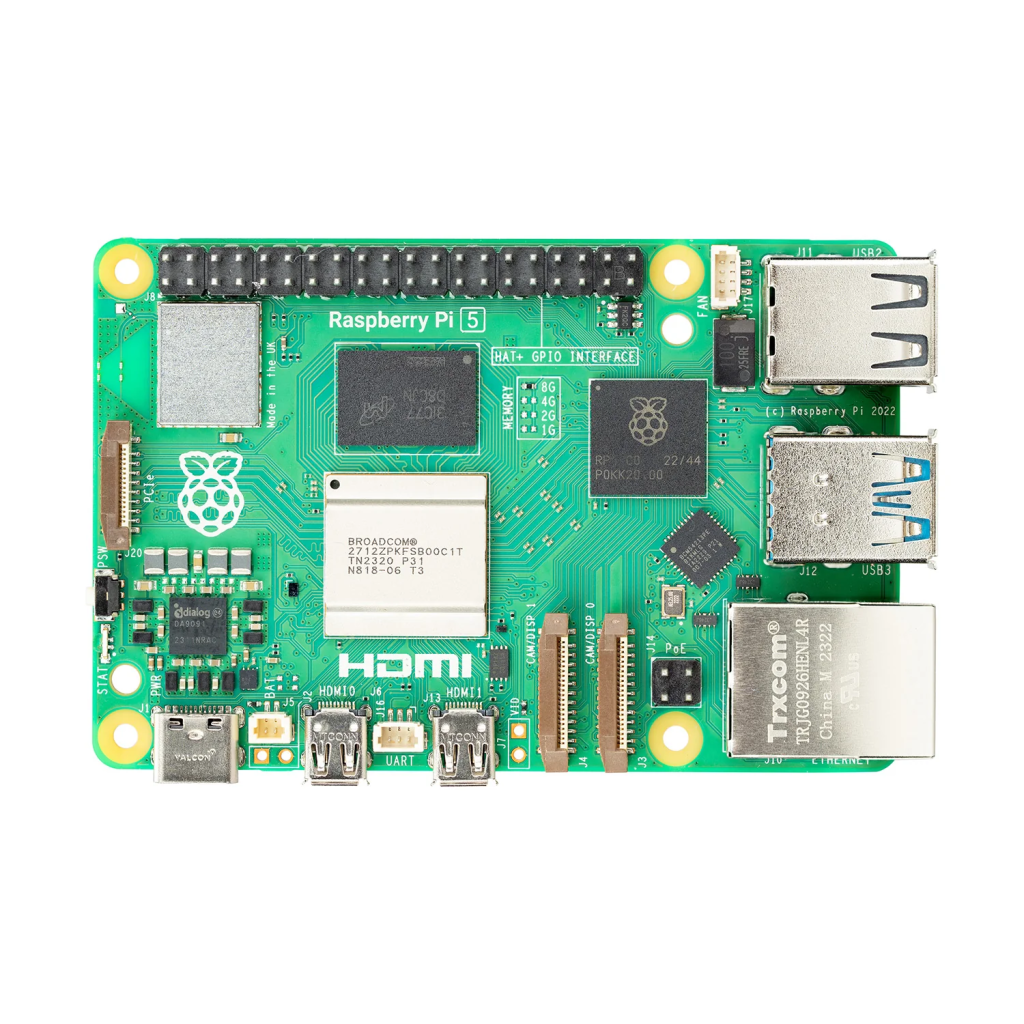
- Raspberry Pi 5 — Still in the rack. This handles serial connections to my PLC and Arduino Giga R1. Why a separate Pi instead of connecting the Arduino directly to the Unraid server? Because Unraid maps USB devices by their device ID and the Arduino Giga R1’s USB HID descriptor changes depending on what state the board is in (normal operation, bootloader mode, reset state). Every time the Arduino resets or enters bootloader mode the USB device effectively disappears and reappears as a different device from Unraid’s perspective. The Pi running a lightweight serial bridge over the network sidesteps this entirely.
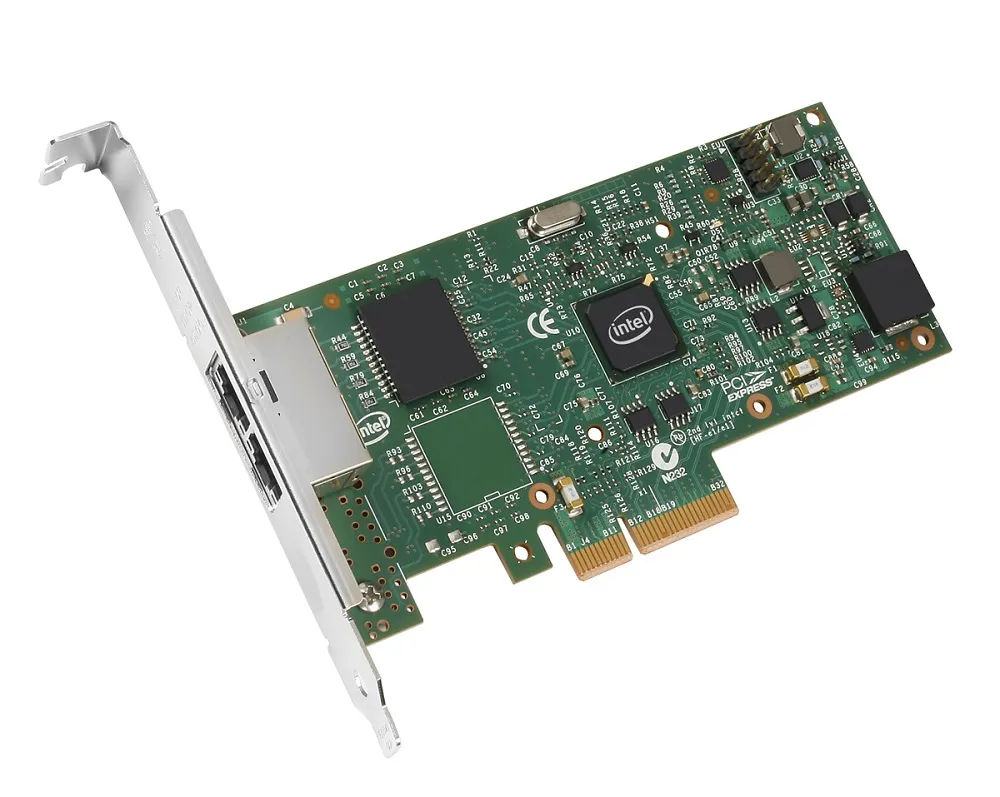
- LACP — I have LACP (Link Aggregation Control Protocol) configured between the DL380 G9’s quad port Broadcom BCM5719 NICs and the Cisco 3850. Do I need the bandwidth? No. Does a single gigabit link handle everything? Probably. But LACP gives me link redundancy and I had the ports, so why not.
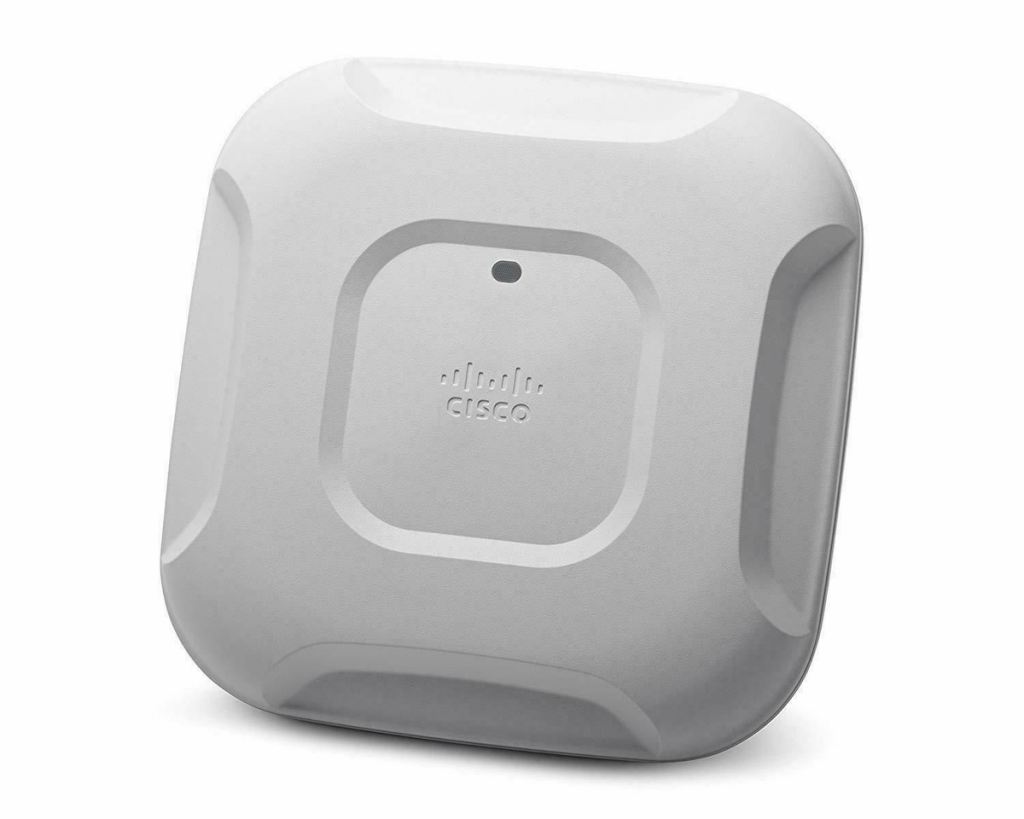
- Cisco 3702i Access Points — Five of them in autonomous mode throughout the house, monitored via SNMP with MRTG (Docker Container above)
Power Efficiency
The DL380 G9 draws approximately 200 watts at the wall under normal load. That is the server alone, not including the Cisco 3750-X switch, Pi and other rack equipment (PLC, Arduino) add to this total. The spikes you can see if my garden lights turning on at night time which are driven but a single 60Amp 12v DC supply with everything coming from a single GPO (General Purpose Outlet). Whilst I cold get more granular my usage is around 200w.
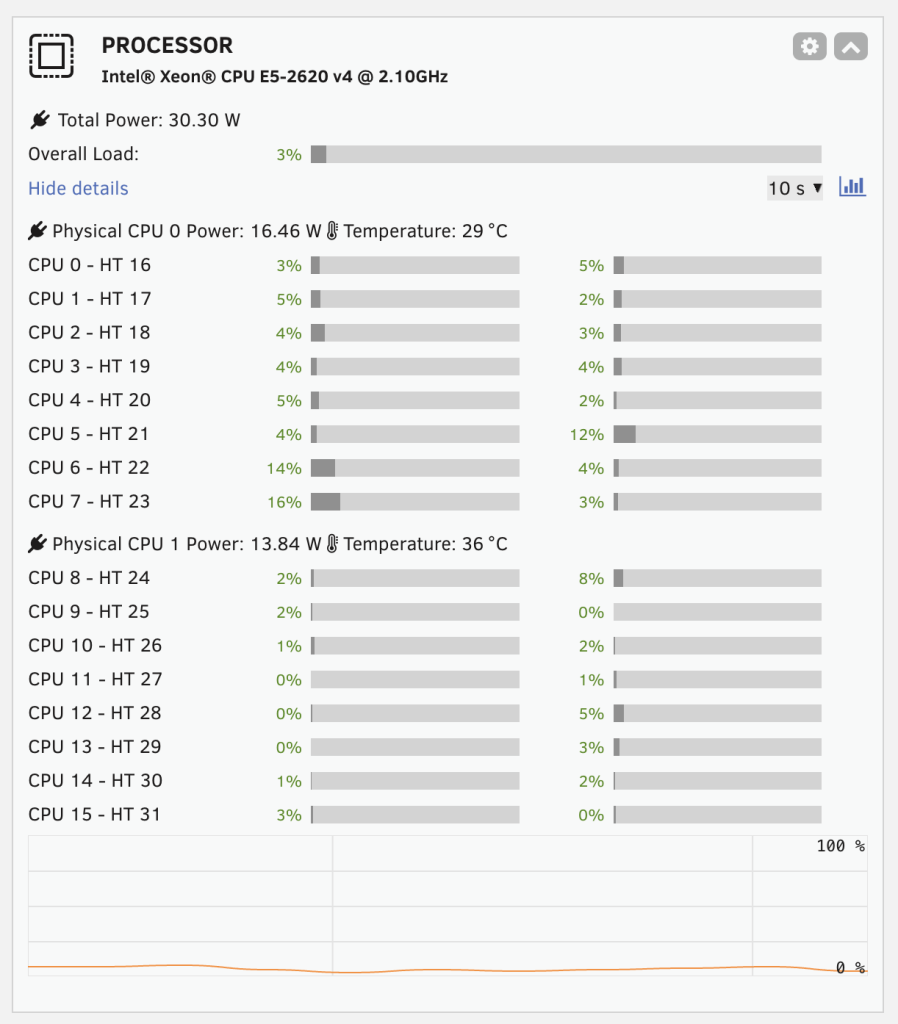
CPU metrics show each Xeon pulling about 15w each, this was taken with Plex streaming content and of course home internet flowing.
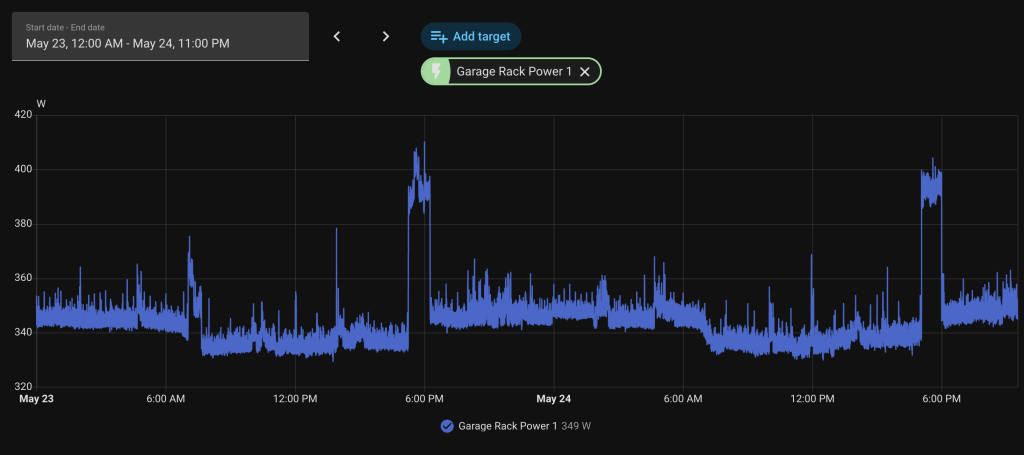
For context, 200 watts continuously is roughly 1,752 kWh per year. At Australian electricity rates that is a meaningful number. But consider what I am getting for that 200 watts, there is a a 7 camera NVR with object detection, a photo management system with machine learning, a media server, a home automation platform, a web server, a NAS, monitoring, and MQTT brokering. On consumer hardware you would need multiple devices to cover these workloads and the aggregate power draw would likely be similar if not higher.
The total 200w is not to bad and there is economies of scale in not running a consumer NAS plus a plethora of PI’s. I am not even but the delta is approx 100w for much more computing power.
The Sigenergy battery system also helps here, you will have seen it in the video above.
During daylight hours the server is running on solar and during the evening it draws from the 40kWh battery stack. To date, whilst I have not completed a whole year with my battery, I have yet to pull from the grid.
Quality of Life
The difference in day to day experience moving from the Synology DS918+ and Raspberry Pi combination to this server has been significant.
Frigate on the Pi was usable but it was always on the edge. Detection latency was noticeable, recordings occasionally had gaps during high activity periods, and any maintenance on the NFS connection would take the NVR offline. On the DL380 G9 with the Google Coral for detection and local SSD storage for recordings, Frigate is rock solid. 7 cameras, all detecting, all recording, and it barely makes a dent in the CPU.
Immich could not even run on the DS918+. The machine learning models for face recognition and CLIP-based smart search need proper compute. On the DL380, the initial library indexing tore through our photo collection and ongoing indexing of new photos is near instant. The search functionality alone — being able to type “beach” or “birthday” and have it find the right photos — is something my family actually uses daily.
Even WordPress is noticeably faster. MariaDB queries against the local SSD pool, Nginx serving pre-compiled static HTML, all of it runs with the kind of I/O headroom that you just cannot get on consumer hardware. I am getting 75ms TTFB (Time To First Byte) on this blog, served from my garage.
Closing Thoughts
If you are considering self-hosting and you have a space where noise is not an issue, enterprise hardware is the move. The gear is worth almost nothing on the secondhand market. A DL380 G9 for $250 AUD gives you dual Xeon processors, 64GB of ECC RAM, hot swap bays, redundant power supplies, out of band management and a chassis designed to run for years without intervention.
It is not perfect but in terms of reliability and cost, I think its close to.
But for what I need — reliable, consolidated, high performance self-hosting for my family’s workloads, this DL380 G9 running Unraid is the best platform I have ever run. It has more headroom than anything I have had before. It does everything I need. And it cost me less than a mid-range Synology / Ubiquitui / QNAP without the limitations that 100% exist on these platforms.
If you have any questions on either the software of hardware stack, then please leave them below.
Thanks
Shane Baldacchino